Internal ProductIn DevelopmentBuilt by studiogecko.dev

Agency operating system / Dashboard

studiogecko.dev Platform

The operating layer behind the work.

The real internal platform used to organize client websites, leads, requests, media, payments, permissions, and editable public content.

Role-aware SaaS operations platform and client portal architecture

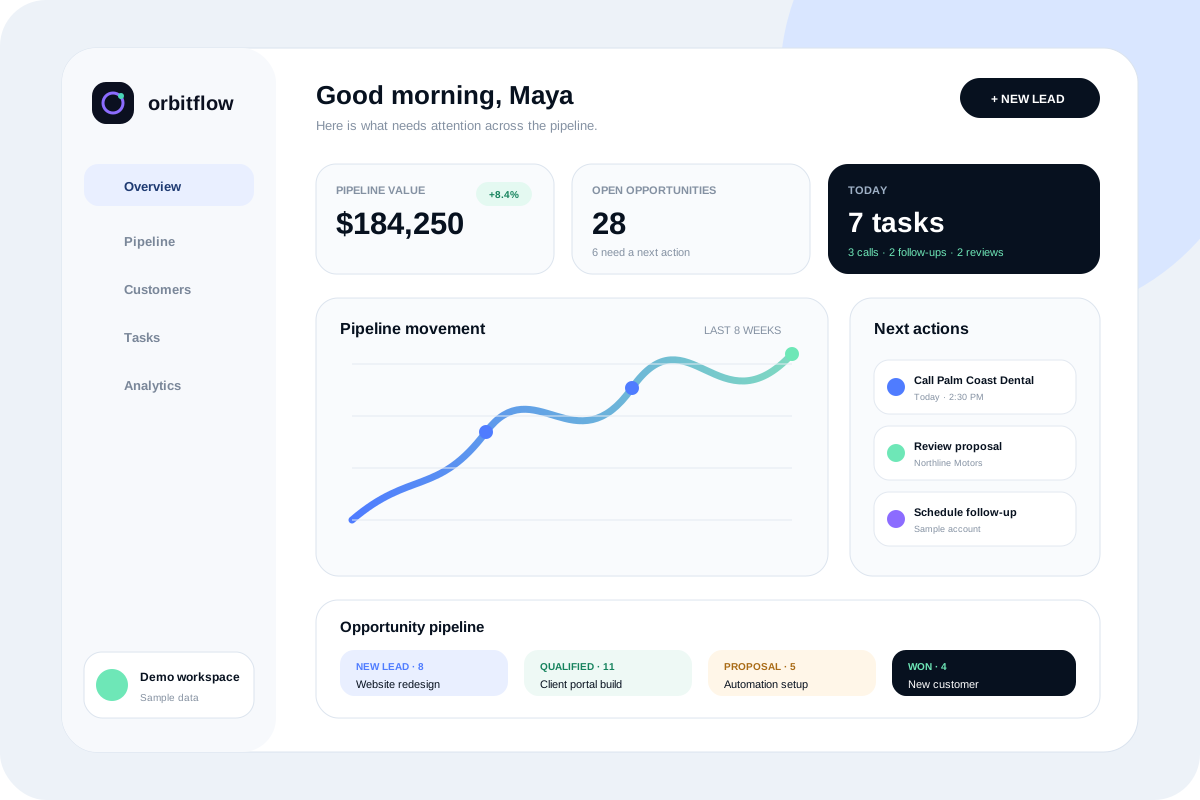
Design preview
studiogecko.dev internal website management platform preview

Project overview

What this project is.

The studiogecko.dev Platform is an internal product being built to organize the operational side of website work: client records, website sections, media, leads, requests, access, and support activity.

The project demonstrates how a service business can move beyond scattered messages and files into a role-aware operating layer. It is private internal software, not a public client case study or customer deployment.

Public accessPrivate internal product preview only

StatusInternal product in development. It is not public client work and public access is intentionally limited to protect private operational areas.

Problem or opportunity

Why this direction exists.

Website delivery often becomes harder after launch because requests, assets, leads, revisions, payments, and permissions live in separate places. The platform explores how a studio operating system can keep that work traceable without exposing unnecessary administrative control to clients.

Product strategy

The product decisions behind the interface.

Operational clarity first

The product focuses on daily owner and client workflows before adding advanced features.

Role-aware visibility

Owners, collaborators, and clients need different views of the same website and support activity.

Public site connected to private work

Editable content, leads, and website health are treated as part of one system instead of disconnected tools.

Tenant boundaries stay explicit

Client records, websites, assets, requests, and users are organized around ownership so future multi-client operation does not depend on informal filtering.

Core features

What the project demonstrates in practice.

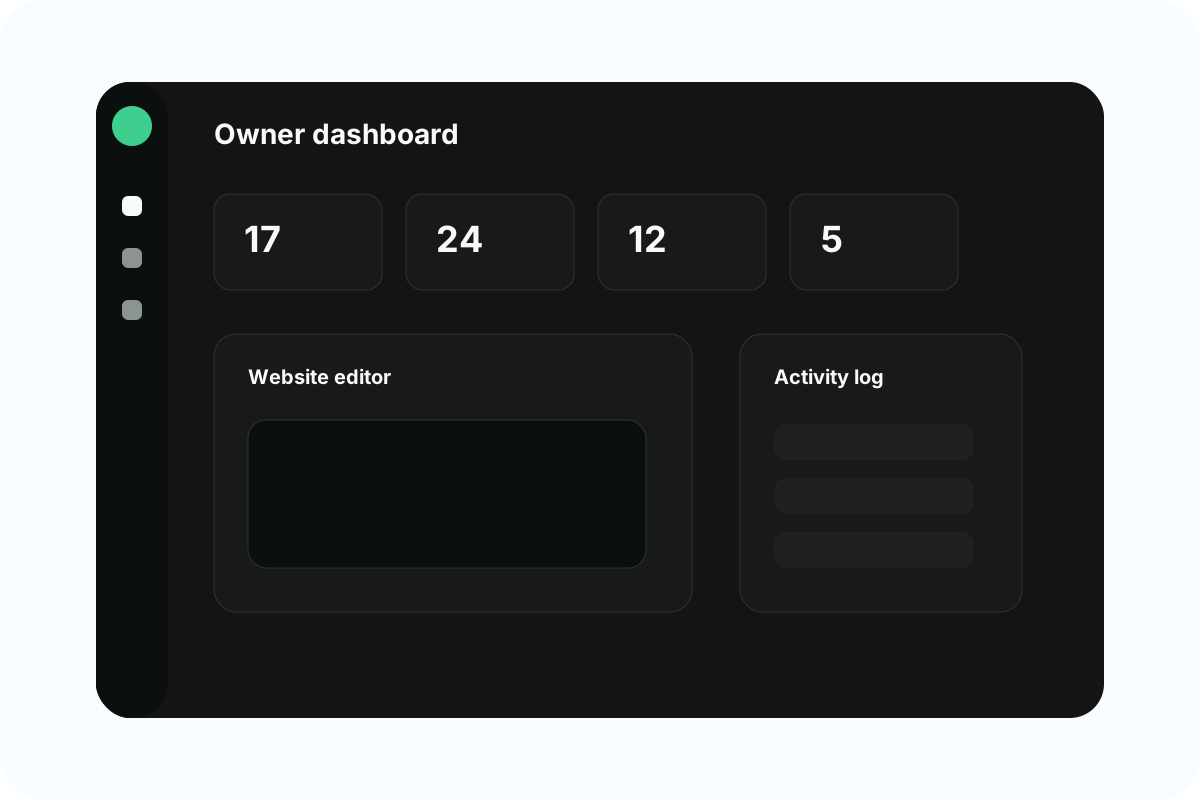
Owner dashboard

Summarizes websites, leads, requests, clients, and maintenance attention in one operational view.

Website editor

Organizes public-site sections, drafts, responsive preview, publishing steps, and revision context.

Client hub

Gives approved clients a calmer place to view requests, files, website updates, and activity.

Media library

Keeps project assets, folders, tags, and website media searchable and reusable.

User and access management

Supports invitations, role assignment, access status, and explicit permission boundaries.

Project and request management

Connects scoped work, statuses, ownership, approvals, and change context instead of leaving project decisions across messages.

Structured website CMS

Treats public sections, drafts, responsive previews, publishing steps, and revision context as managed product data.

Automation and notifications

Explores reliable lead routing, assignment notices, request updates, and reminders with visible ownership and failure-aware workflows.

Analytics and maintenance context

Keeps consent-aware analytics observations, technical health, and support priorities connected to the websites they affect.

User roles and permissions

Different users need different access.

Platform owner

Manages clients, websites, users, content, leads, media, and system activity.

Team member

Can support assigned operational work without receiving unrestricted owner-level access.

Client

Can view approved information, submit requests, review work, and access shared project resources.

Workflow

The journey the system is designed around.

Step 01

A website or client record is created

The owner connects the operational workspace to a client, website, and project context.

Step 02

Content, leads, and media are organized

Website sections, incoming inquiries, files, and support requests are grouped around the work they affect.

Step 03

Roles control visibility

Clients and collaborators receive only the access needed for their part of the workflow.

Step 04

Requests and changes become trackable

Activity history, status signals, and structured records reduce the need to reconstruct decisions from scattered conversations.

Step 05

Maintenance continues after launch

The platform keeps website care, requests, and updates visible so launch is not the end of the system.

Design decisions

How the experience is shaped.

Visual direction

A compact, dark administrative interface uses restrained green status signals, thin borders, and dense but readable information hierarchy for repeated operational work.

Typography

A compact product sans with tabular metrics.

Logo direction

The official studiogecko.dev .dev logo mark.

Image direction

Real internal product interface previews.

Motion

Fast operational state transitions.

Interface choices

Dense but readable dashboards

Operational software needs more information than a marketing page, so the interface uses compact panels, tabular metrics, and clear grouping.

Dark product environment

The internal app uses a darker interface to separate repeated operational work from the public marketing site.

Explicit role boundaries

Navigation and page access are designed around what each user should actually see and act on.

Maintenance-oriented states

Status labels, logs, empty states, and activity indicators support ongoing service instead of one-time delivery.

Responsive preview

The idea survives every screen.

The composition changes with the device instead of shrinking a desktop page until the text becomes unreadable.

Responsive design study

Owner dashboard

Owner workspace · sample data

Overview

Active projects

4Sample workspace data

Open tasks

12Sample workspace data

Deployments

7Sample workspace data

Asset usage

68%Sample workspace data

Active projects

Deployment status

Marketing siteReady
Preview environmentReady
FormsMonitored
AnalyticsConsent-aware

Recent activity

Preview deployed1h ago · sample

Asset approved2h ago · sample

Section updated3h ago · sample

Internal product previewAll demo systems operationalstudiogecko.dev

Key pages and screens

Every page has a job.

This is the strategic page system behind the visual direction, not a pile of decorative screens.

Screen 0101

Owner Dashboard

Summarizes clients, websites, leads, payment risk, and current work.

Why it matters

A focused command center helps the owner decide what needs attention first.

Screen 0202

Website Editor

Organizes sections, responsive preview, publishing, and revision history.

Why it matters

Structured editing keeps public content manageable without exposing implementation details.

Screen 0303

Client Hub

Gives clients access to permitted analytics, leads, requests, and website changes.

Why it matters

Clients need visibility without receiving unrestricted administrative access.

Screen 0404

Media Library

Keeps project assets, folders, tags, and website media organized.

Why it matters

Consistent asset management prevents files from disappearing across email and local folders.

Screen 0505

User Management

Handles invitations, roles, status, and access administration.

Why it matters

A scalable platform needs explicit account control rather than informal credential sharing.

Screen 0606

Activity Log

Records important client, website, and account actions.

Why it matters

Operational history makes changes easier to understand and support.

Technical architecture

Technology choices with a purpose.

Frontend

Implemented
Next.jsReactTypeScript

The internal product interface is built with the same modern application stack used across the site.

Authentication

Implemented
Supabase AuthInvitationsAccount statusProtected routes

Authentication establishes identity while private owner and client routes remain separate from the indexable marketing website.

Data and multi-tenancy

Implemented
PostgreSQLClient ownershipWebsite relationshipsPermission-sensitive records

The data model associates users, clients, websites, leads, media, and requests so access can follow explicit ownership instead of interface-only hiding.

Application modules

Implemented
Owner dashboardClient portalProject managementAsset libraryWebsite CMS

Shared product patterns support dashboards, content, files, requests, and access without duplicating a separate application for every role.

Email and forms

Implemented
Resend-ready form deliveryLead intakeRequest notifications

Public inquiries and operational notifications can be connected to the studio workflow.

Deployment and operations

Implemented
GitHubDigitalOceanEnvironment variablesBuild verification

Versioned source and repeatable build checks support controlled production deployment without exposing secrets to the browser.

Analytics and monitoring

Experimental
Consent-aware analyticsActivity historyError monitoringOperational alerts

Analytics consent and activity patterns exist; broader error monitoring and operational alerting remain part of the roadmap rather than completed claims.

Future roadmap

Planned
Client approvalsAutomation rulesPayment workflowsExpanded reporting

These capabilities require further product definition and are not presented as complete production functionality.

Challenges and solutions

The execution problems this work explores.

Private and public route separation

The project must keep marketing pages crawlable while protecting app, client, and owner-only areas.

Role-based product complexity

The system has to support different account types without duplicating every workflow for every user.

Operational content density

Dashboard views need enough information to be useful while remaining scannable for repeated daily work.

Long-term maintainability

Reusable product patterns make future clients, websites, permissions, and modules easier to add without rebuilding the platform.

Business goals solved

Keep client work organized

Reduce scattered website requests

Centralize leads and maintenance

Give clients appropriate visibility

What the project demonstrates

The platform demonstrates that studiogecko.dev thinks beyond the launch screen. Website delivery, client communication, content changes, and ongoing service all benefit from a cleaner operating system.

This is a real internal studiogecko.dev product preview. It is not presented as outside client work, and no sample operational values should be treated as public business results.

Current status and next steps

What is complete, private, or still planned.

In Development

Internal product in development. It is not public client work and public access is intentionally limited to protect private operational areas.

Private internal product preview only

Next steps

Continue hardening authentication, tenant boundaries, and server-side permissions

Expand client-facing request, project, and approval flows

Connect structured CMS publishing and more website-maintenance activity into the owner workspace

Add broader error monitoring and operational alerts before increasing automation

Keep private app routes noindex and separate from the public marketing site

Related services

Keep exploring

Related projects

Contextual next step

Build an operating layer for your own workflow

Use this internal product as a starting point for discussing client portals, dashboards, automation, and private business tools.