Custom client portal development
A client portal should give customers one clear place to work with you.
studiogecko.dev builds private web applications for requests, approvals, files, project status, invoices, communication, and other client workflows that should not live across scattered texts and inboxes.
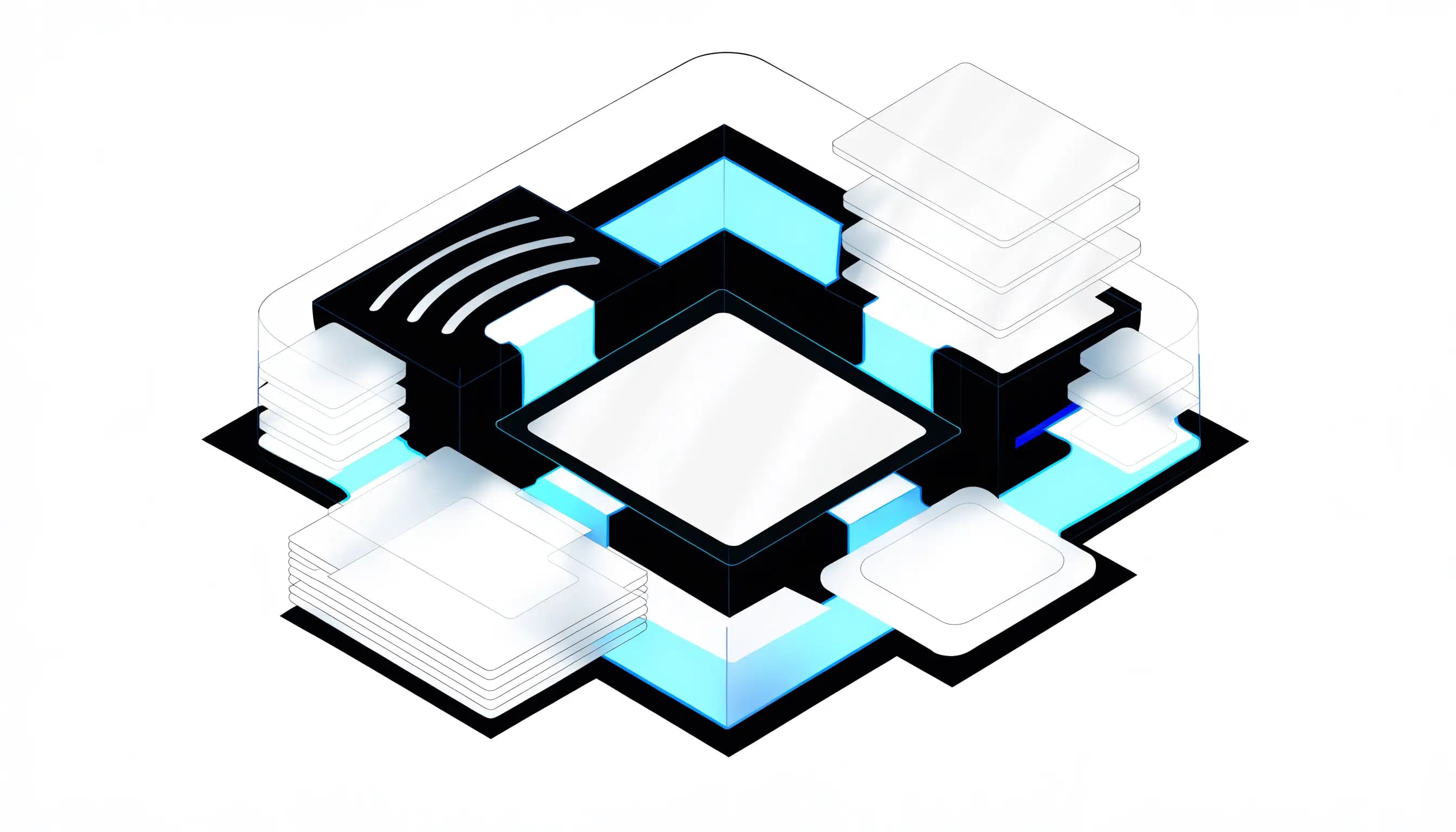
A portal gives every request, document, decision, and next action a defined place.
Service overview
What client portals should do for the business.
A client portal is a private layer of the customer experience. It gives each user a clear place to see what matters, complete the next action, and understand the current status without asking the business to recreate context in every conversation.
Useful portal development begins with workflow and permissions, not a dashboard screenshot. We define who can see each record, what actions are allowed, how files and messages are organized, what belongs in an activity history, and which processes should remain outside the portal.
Problems solved
Client requests arrive through too many channels and lose important context.
Files, approvals, invoices, and project status are difficult to find or verify.
Clients ask for updates because the current process provides little visibility.
Staff repeat the same explanations and manual handoffs for every account.
Existing tools expose too much information or cannot reflect the real workflow.
What is included
User-role, permission, and client-journey planning
Responsive owner, team, and client interface design
Secure authentication and session flows
Structured requests, approvals, statuses, and activity history
File and media organization with appropriate access rules
Invoice, payment-status, or Stripe workflow integration when scoped
Validation, empty, loading, error, and confirmation states
Deployment documentation and future-feature roadmap
Expected outcomes
Fewer scattered requests, missing files, and repeated status questions.
A more professional and predictable client experience.
Clearer ownership and activity visibility for the business.
Permissions that can support different clients and future team roles.
A maintainable foundation for billing, support, projects, or SaaS features.
Process
A cleaner path from idea to launch.
Step 1
Map the client and staff journeys
We document what clients need to view, submit, approve, pay, or understand and what the owner or team must do in response. That prevents the interface from becoming a collection of disconnected dashboard cards.
Step 2
Define data and permissions
Records, relationships, roles, ownership rules, file access, audit needs, and sensitive fields are planned before development. Security depends on server-side enforcement and database policies, not hidden navigation.
Step 3
Prototype the important workflows
The highest-risk actions are designed with real states: request creation, approval, upload, status changes, payment intent, messages, and failure recovery. Representative content reveals problems earlier than empty wireframes.
Step 4
Build the application foundation
The portal is developed with authenticated routes, typed data, responsive components, server validation, database access controls, and integrations included in scope. Reusable patterns keep future screens coherent.
Step 5
Test roles, handoff, and production
Quality assurance covers owner, staff, and client permissions; mobile behavior; empty and error states; notifications; and direct route access. The final release includes documentation and an agreed support path.
How we think about the work
Decisions that keep the service useful after launch.
Workflow before dashboard
A dashboard is valuable only when it helps someone complete or understand a real task. We prioritize requests, approvals, files, payments, messages, and next actions before decorative metrics.
Permissions are part of product design
A clear interface and a secure data model reinforce each other. Owners, staff, and clients receive the actions and records appropriate to their roles, with server-side checks protecting direct access.
States make the portal trustworthy
Loading, empty, success, error, expired invitation, permission, and retry states are designed as carefully as the ideal workflow. Clients should never be left wondering whether a request or payment action worked.
Technology with a job
Tools chosen for maintainability, security, and the workflow.
The stack is selected around the project rather than used as a sales checklist. These are technologies already present in the studiogecko.dev platform and the practical customer benefit each can provide.
Next.js and React
Provide a responsive application shell, protected routing, server-rendered entry points, and reusable workflow components.
TypeScript
Keeps user roles, records, API responses, and component contracts explicit as the portal grows.
Supabase Auth
Supports secure sign-in, invitations, sessions, and account identity without building authentication primitives from scratch.
PostgreSQL and Row Level Security
Store relational client data and enforce which authenticated users may read or change each record.
Supabase Storage
Can organize protected files and media using access rules tied to portal users and records.
Stripe and Resend
Can support server-side payment workflows and transactional email notifications when those features are included.
An informed comparison
Client portal or collection of shared tools?
Shared folders, email, forms, and payment links can be enough for a simple process. A custom portal becomes valuable when clients and staff repeatedly reconstruct the same context across those tools.
Separate tools
Standalone tools are quick to adopt and may be appropriate at low volume. The tradeoff is fragmented identity, repeated navigation, inconsistent status, limited permissions, and manual handoffs between systems.
Custom client portal
A portal creates one branded workflow around the records and actions clients actually need. It can connect existing providers while presenting permissions, status, files, requests, and next steps consistently.
Do not build custom software merely to avoid learning a good existing tool. A portal is justified when the workflow is central to the customer experience, repeated often, difficult to express in off-the-shelf software, or valuable enough to maintain.
Industry applications
The same service solves different operational problems.
Agencies and creative services
Clients can submit requests, upload assets, review drafts, approve work, and follow project status in one place.
Professional services
Portals can organize client documents, tasks, updates, approvals, and invoices with carefully scoped access and communication boundaries.
Law firms
A legal client portal requires deliberate permissions, document rules, communication boundaries, and infrastructure appropriate to the sensitivity of the workflow.
Contractors and property services
Project milestones, selections, photos, change requests, documents, and payment status can be tied to the correct customer and job.
Automotive businesses
Service requests, campaign leads, documents, appointment status, and customer communication can move through defined staff workflows.
Startups and SaaS teams
Account areas, onboarding, data views, settings, billing status, and role-based workflows can form the first maintainable product foundation.
Related concept work
See the system in context.
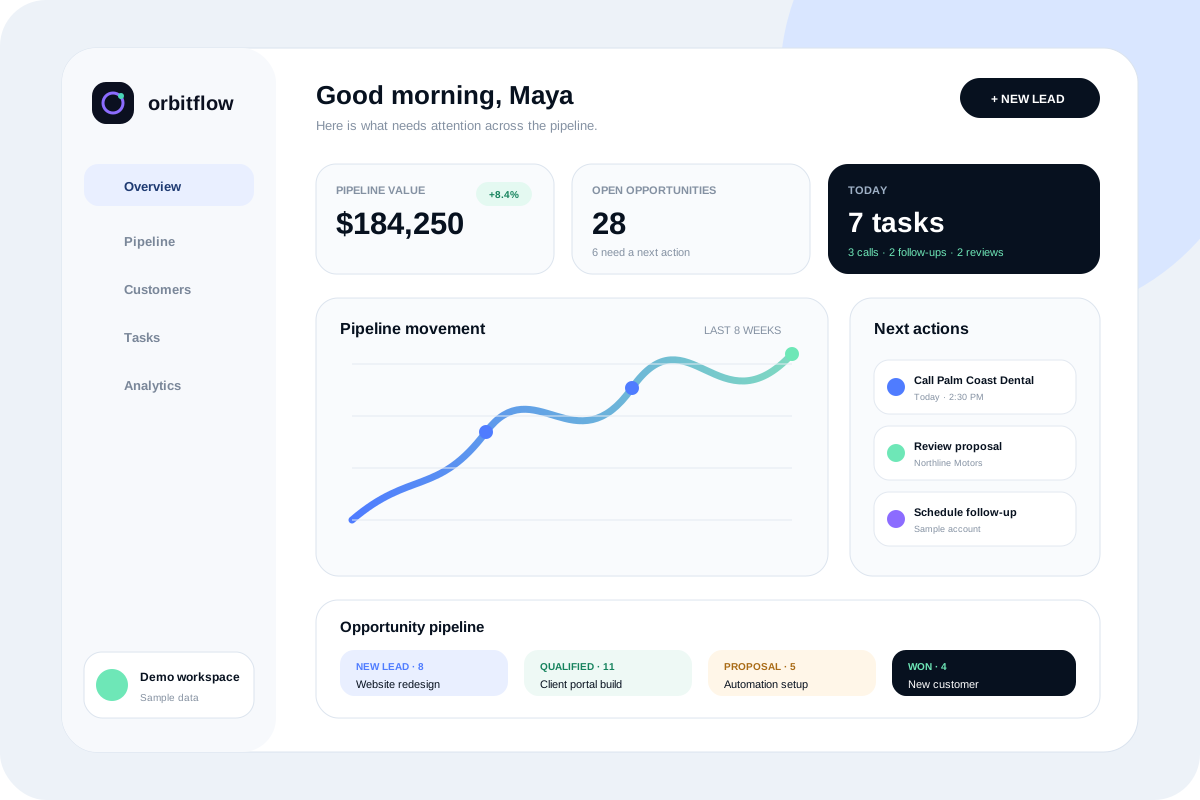
Fictional brand
OrbitFlow
A crisp product site and responsive CRM dashboard concept that makes pipeline health, team tasks, reminders, and customer activity easy to understand.
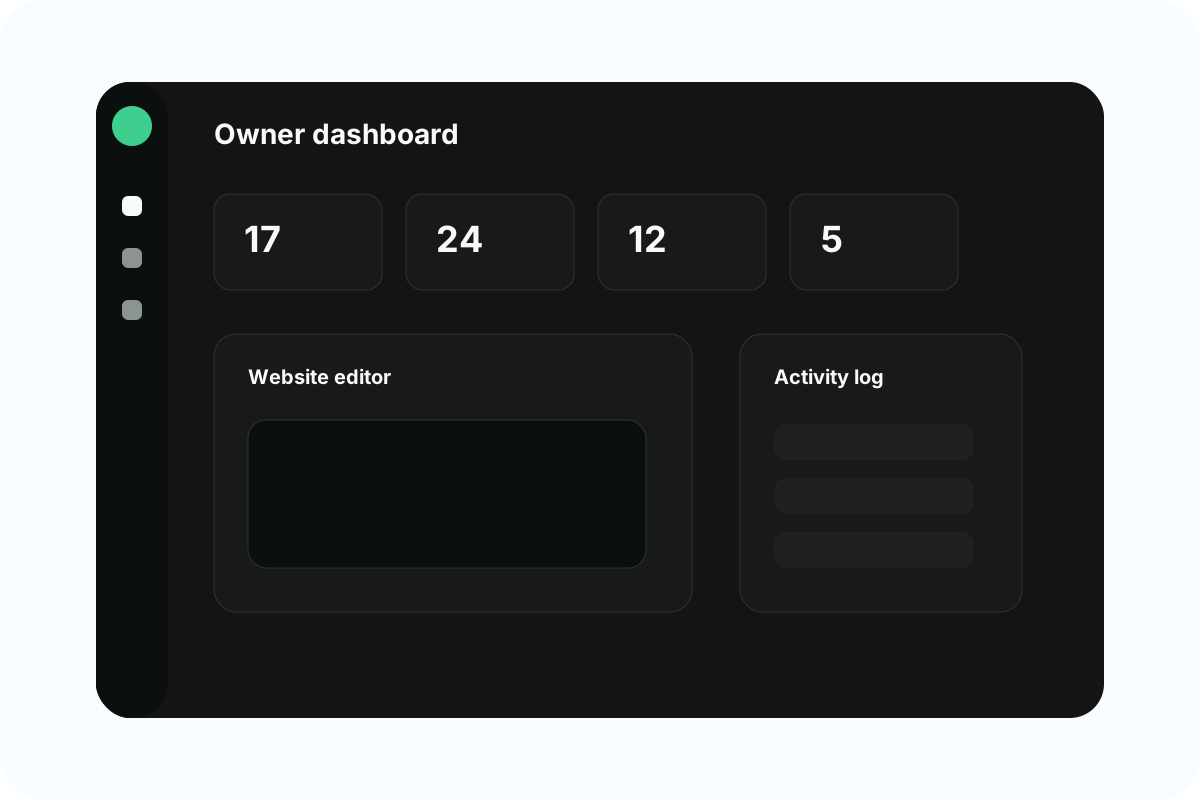
Built by studiogecko.dev
studiogecko.dev Platform
The real internal platform used to organize client websites, leads, requests, media, payments, permissions, and editable public content.
Questions before you start?
What is a client portal?
A client portal is a private web application where authenticated customers can view information and complete agreed actions such as requests, approvals, uploads, payments, messages, or project updates.
How much does client portal development cost?
Cost depends on roles, data relationships, workflows, files, integrations, payment features, notifications, and migration. A focused request portal is smaller than a multi-role SaaS platform with billing and automation.
How long does a portal take to build?
Timing depends on workflow clarity, permission complexity, integrations, content, and testing. Discovery and role mapping are part of the schedule because skipping them usually creates expensive rework later.
Can the portal use my existing website?
Yes. It can be connected to the public brand and domain while remaining a protected application area. The exact routing and deployment approach depends on the existing platform and authentication requirements.
How do clients sign in?
Projects may use invitation-based accounts, email and password, or another supported authentication method. Recovery, expired invitations, session behavior, and unauthorized states are included in the workflow design.
How are permissions protected?
Permissions should be enforced on the server and in database access policies, not only by hiding buttons. The application checks the authenticated identity, role, and record relationship before returning or changing protected data.
Can clients upload files?
Yes, when file storage is in scope. Uploads require file-size and type rules, protected paths, ownership checks, useful error states, and a retention approach appropriate to the business.
Can the portal show invoices or accept payments?
It can show payment status or connect to a server-side Stripe workflow when appropriate. Payment terms, refunds, subscriptions, and accounting behavior must be defined by the business rather than invented in the interface.
Can clients edit their website through the portal?
Yes, if the workflow calls for it. Permissions can allow requests, draft content, media uploads, or approved changes without giving every client unrestricted publishing access.
Can this become a SaaS product later?
A well-planned portal can become the foundation for a broader SaaS product, but productization requires additional work around tenancy, onboarding, billing, support, usage limits, analytics, and repeatable customer needs.
Who owns the portal and its data?
Source access, hosting, database ownership, licensed services, and data responsibilities are defined in the project agreement. Client data should not be held hostage by unclear infrastructure decisions.
What support is needed after launch?
Authenticated applications need ongoing dependency updates, access reviews, backups, monitoring, issue handling, and workflow improvements. The support scope should reflect the portal's importance and data sensitivity.
A practical next step
Discuss whether client portals is the right fit.
Start with a free website audit or send the project context directly. You will receive a practical response without an automatic client relationship or unsupported outcome promises.