Clearer thinking for websites, systems, and growth.
Practical articles for business owners comparing custom websites, lead-generation paths, client portals, automation, technical SEO, and ongoing website maintenance.
Written by Yhorman Ibarra, Founder & Lead Developer.
Custom website pricing depends on strategy, page count, content, design depth, integrations, forms, SEO structure, and long-term support. This guide explains the cost drivers without fake price promises.
No fake popularity counters, comments, subscriber claims, or invented case studies. Each article is written to support a real business decision.
Client Portals
client portal features checklist
July 20, 202614 min read
Client Portal Features Checklist: What Should Your Portal Actually Include?
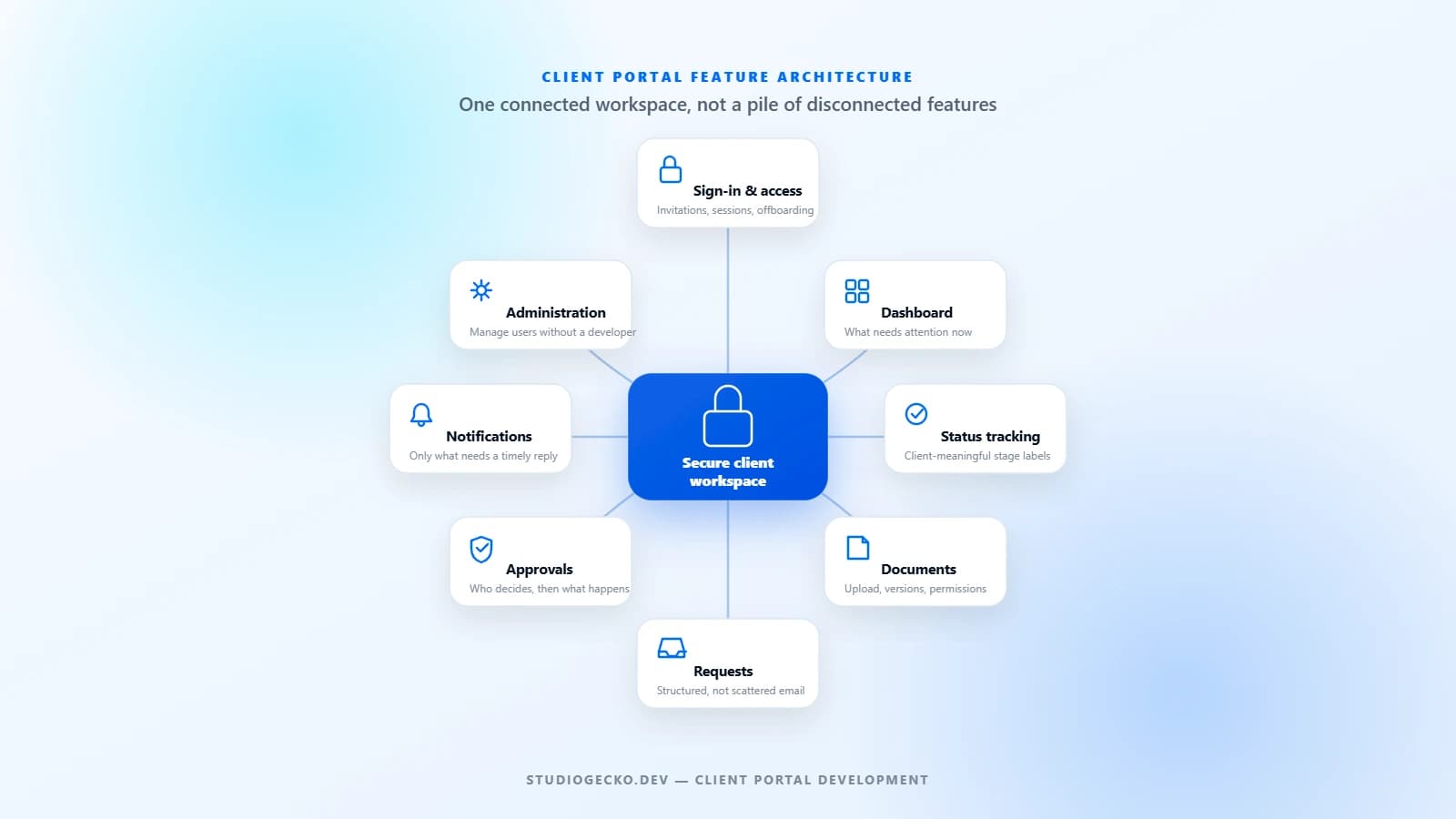
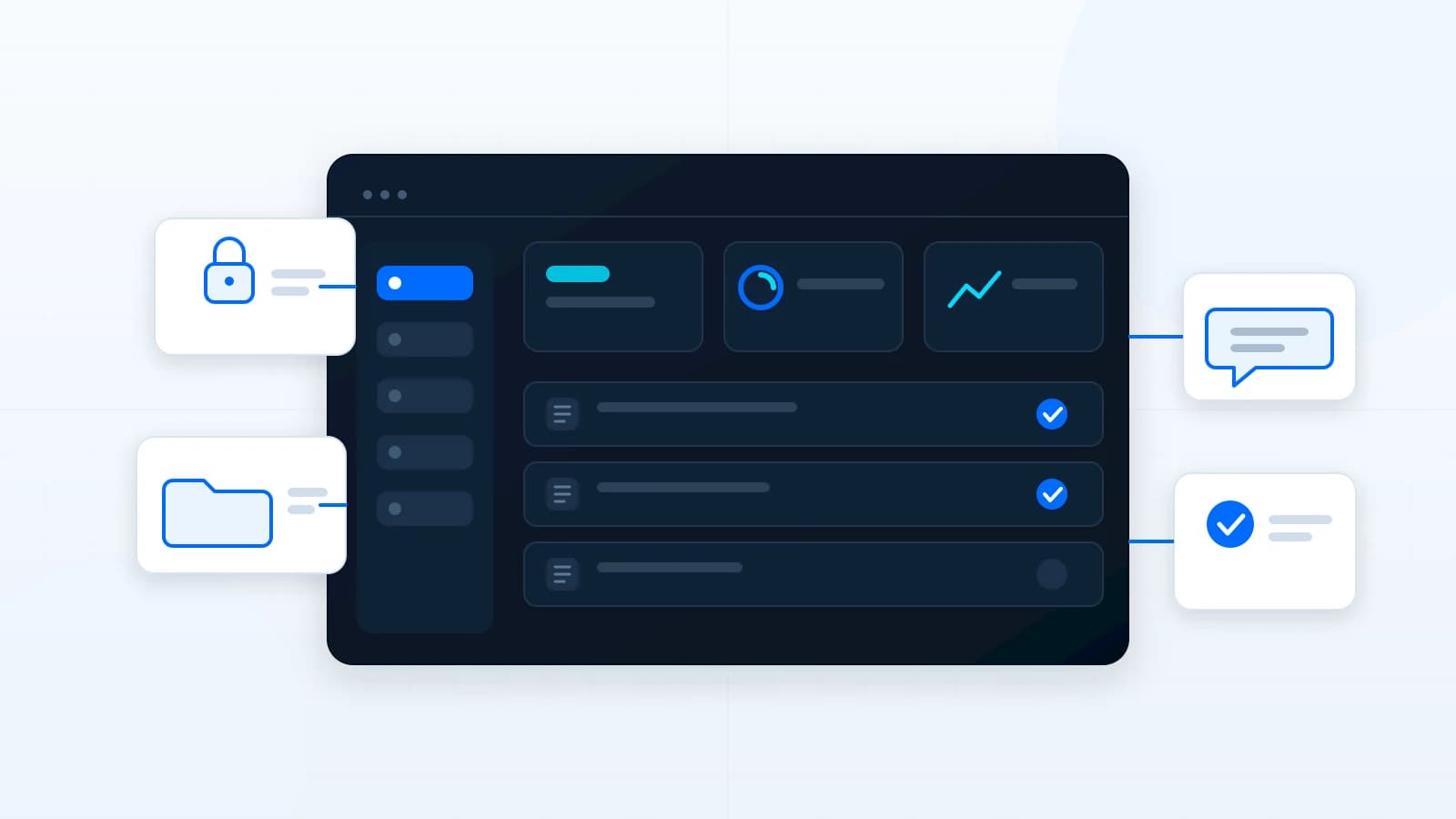
A useful client portal is not a collection of impressive features. It is a controlled workspace built around the real tasks clients and internal teams need to complete together.
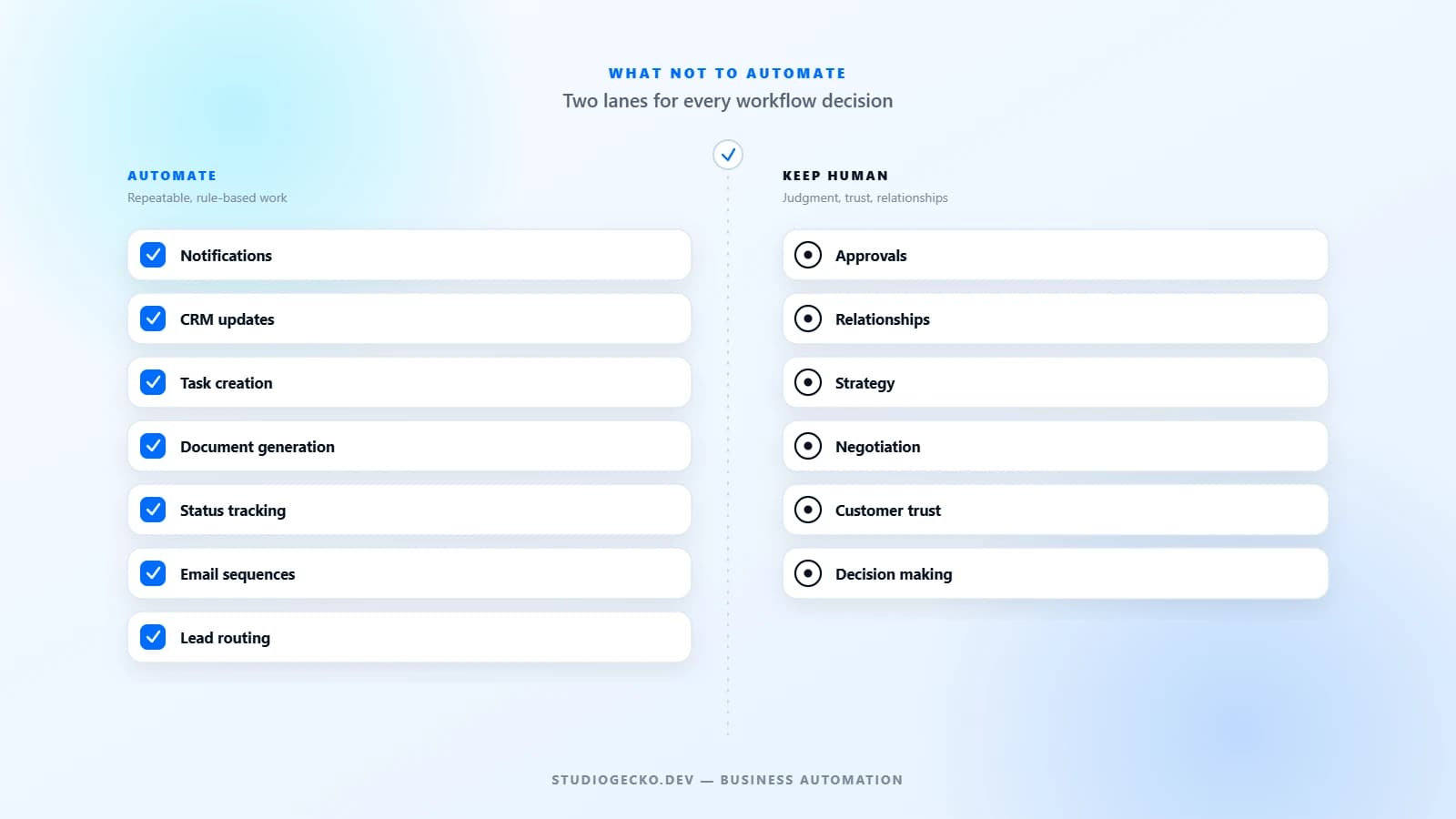
Automation is powerful, but bad automation is expensive. The goal is not to automate everything. It is to automate the right work and keep the right work human.
what not to automatebusiness automation mistakesautomation strategy
The right CRM decision is not custom versus standard in the abstract. It is the least complex approach that can support your real workflow without harmful workarounds.
custom CRM vs off-the-shelf CRMCRM build vs buycustom CRM software
A redesign should begin with evidence, not a new color palette. Use this checklist to decide what to preserve, improve, migrate, replace, and verify before launch.
Custom Website vs Template Website: Which Is Better for Your Business?
Templates can be useful for speed and budget. Custom websites are better when the business needs clearer positioning, stronger conversion paths, flexible growth, and a site shaped around real operations.
What Is a Client Portal and When Does a Business Need One?
A client portal gives clients one organized place for requests, files, approvals, updates, invoices, and communication. It becomes useful when email and shared folders stop scaling.
What Is Business Automation and What Should You Automate First?
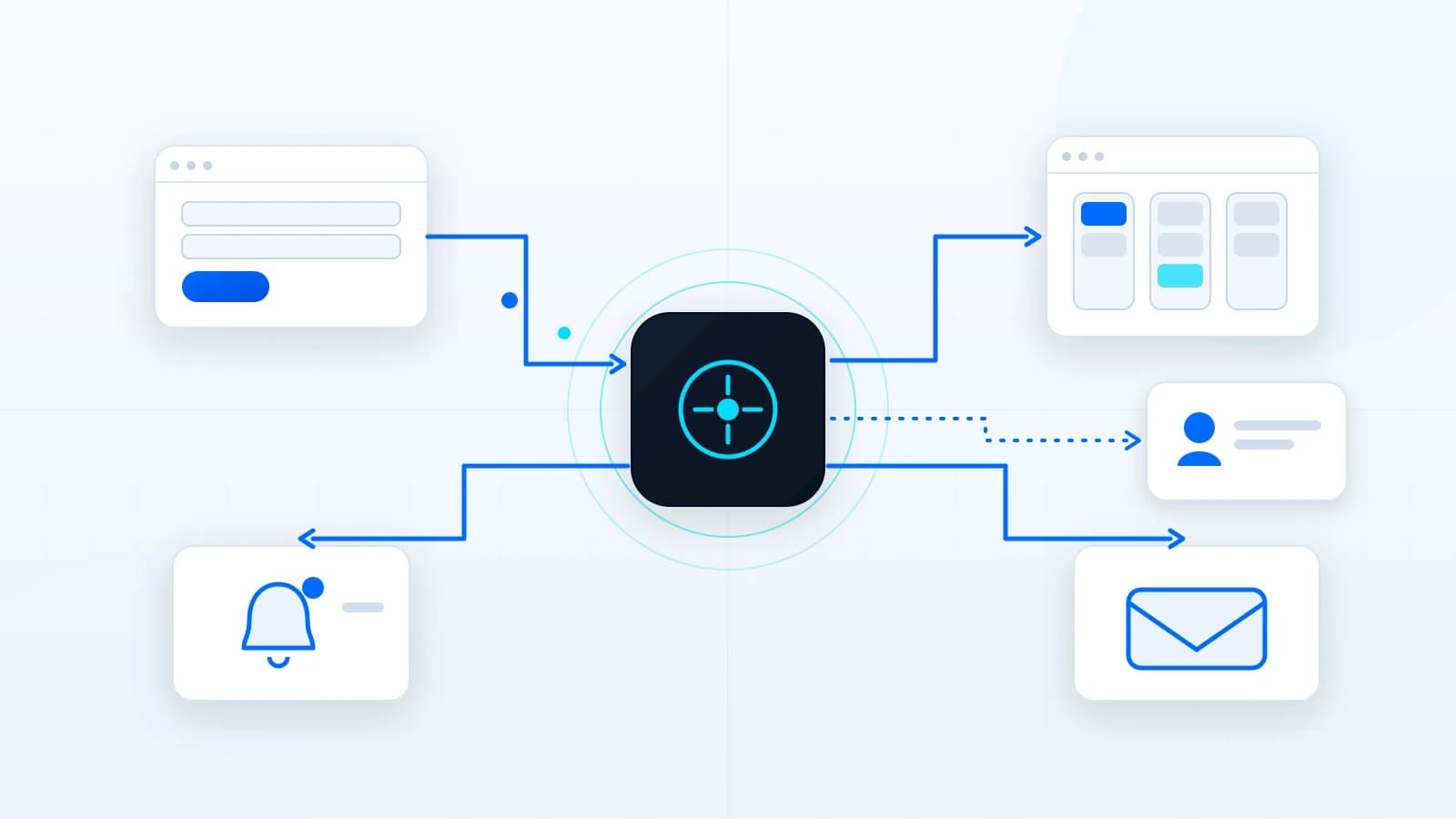
Business automation connects repeated steps so work moves with less manual effort. The best first automations are simple, valuable, and easy to verify.
business automationworkflow automationlead routing
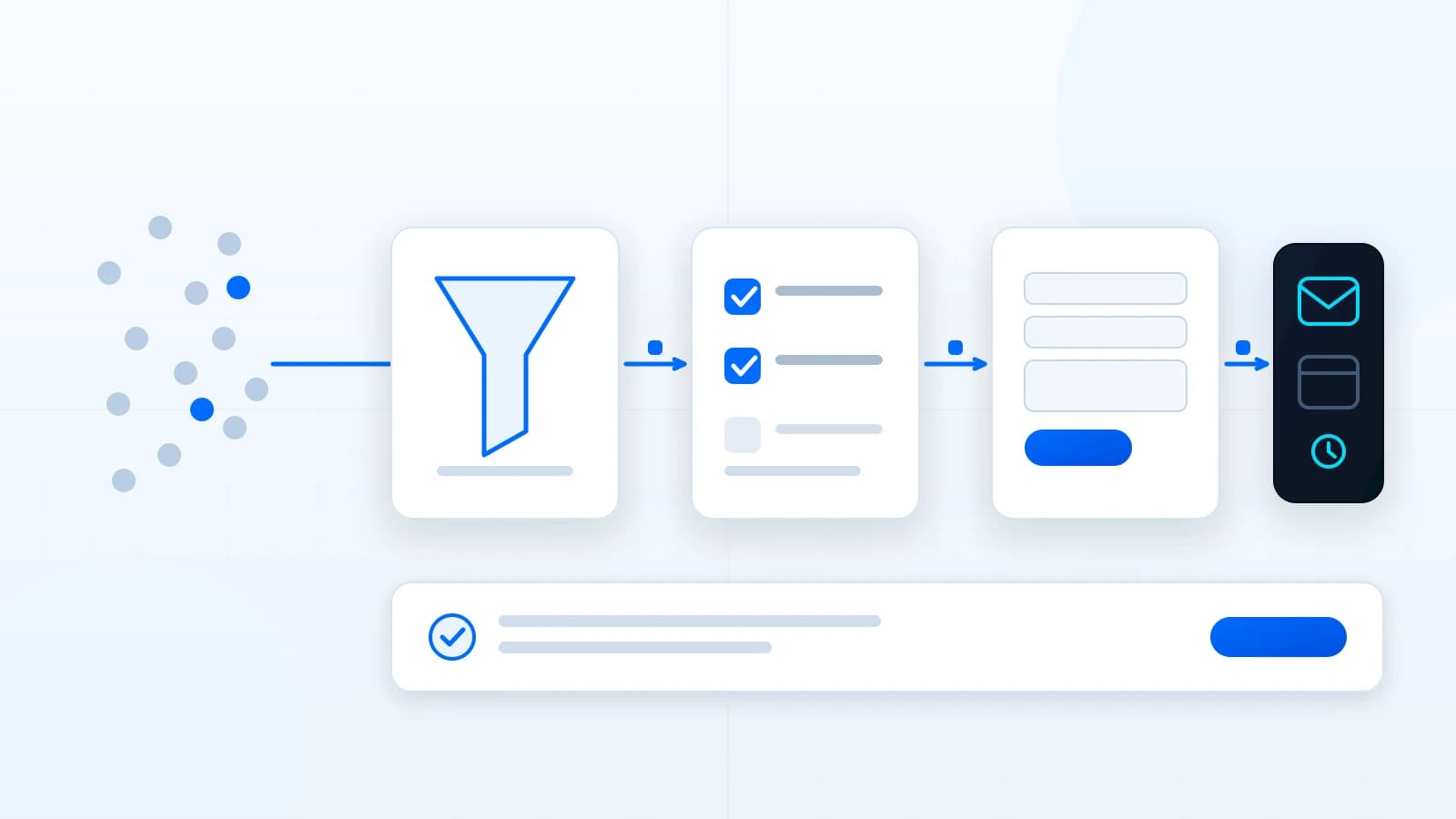
A lead-generation website is not just a contact form. It explains the offer, filters the wrong fit, builds trust, asks useful questions, and routes inquiries into a follow-up process.
lead generation websiteconversion focused websitequalified inquiries
If an article describes a problem you see in your own website, the next step is to review the current page structure, forms, SEO foundation, and follow-up process.
Want a practical review of your website?
Get prioritized notes on messaging, mobile usability, lead paths, SEO structure, performance, and maintenance risks.