
Website Strategy
Website Redesign Checklist Before You Rebuild
A redesign should begin with evidence, not a new color palette. Use this checklist to decide what to preserve, improve, migrate, replace, and verify before launch.
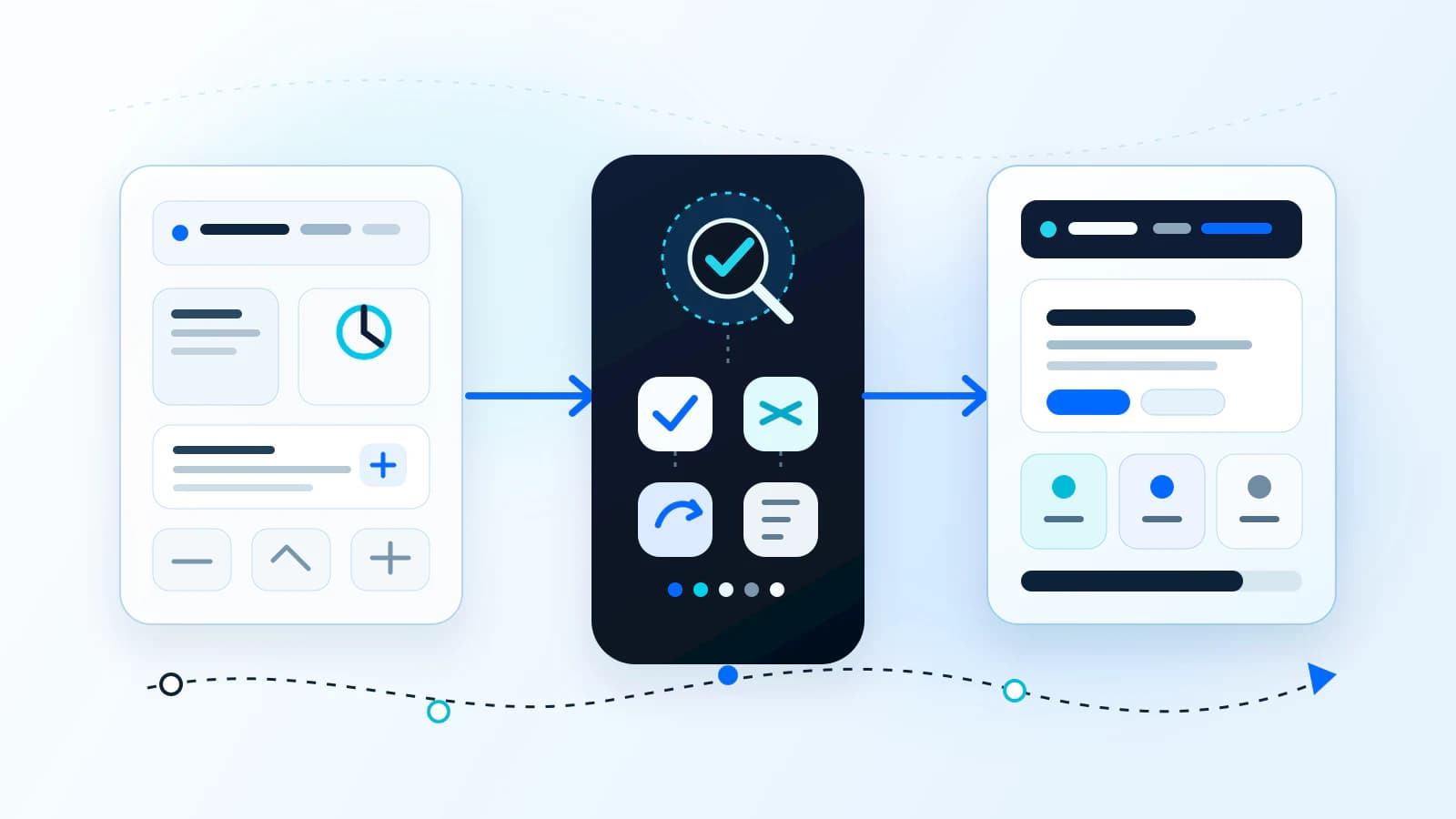
First decide: maintenance, redesign, or rebuild?
A redesign should not begin with a request to make the website look newer. It should begin with a decision about the condition of the current site, the business problem that needs to be solved, and how much of the existing foundation still has value.
| Path | When it fits | What changes |
|---|---|---|
| Maintain | The platform, structure, and customer journey are healthy, but the site needs accurate content, technical upkeep, or focused improvements. | Individual pages, assets, integrations, and recurring maintenance tasks. |
| Redesign | Useful pages, URLs, content, or platform capabilities can remain, but the experience needs substantial improvement. | Information architecture, messaging, visual system, mobile UX, accessibility, and conversion paths. |
| Rebuild | Technical debt, fragile code, performance problems, or platform limits make major improvements difficult to implement responsibly. | The underlying foundation, with an explicit migration and preservation plan for everything that still matters. |
Define what the redesign needs to accomplish
Write down the business reason for the work before reviewing layouts. A useful goal describes a customer or operating problem, not a style preference. The redesign might need to clarify services, improve mobile inquiry paths, support a new offer, reduce content-management friction, or prepare the site for a larger system.
- Name the primary audience and the decision that audience needs to make.
- Identify the pages or journeys that support the most important inquiries, bookings, purchases, applications, or support needs.
- Document what the current website prevents the business from doing well.
- Separate launch requirements from ideas that can wait for a later phase.
- Choose practical indicators to monitor after launch without treating improvement as guaranteed.
A clear outcome helps prevent the project from becoming a collection of unrelated preferences. It also makes it easier to decide which existing elements should remain and which changes deserve the cost and migration risk.
Inventory the current website before changing it
Create a working inventory of the current site. This can begin with the sitemap and be expanded with analytics, Search Console, CMS exports, form records, and input from the people who update or sell through the website.
- Every indexable page and its current URL.
- Page title, purpose, audience, primary action, owner, and last meaningful update.
- Navigation links, footer links, breadcrumbs, and important internal links.
- Forms, confirmation pages, automated emails, downloads, scheduling tools, and payment paths.
- Analytics tags, consent settings, conversion events, advertising pixels, and Search Console access.
- Third-party scripts, plugins, embedded tools, APIs, DNS records, hosting, email dependencies, and authentication flows.
Identify valuable pages, URLs, and content
A page can be valuable for several reasons. It may attract relevant search visits, answer a frequent sales question, support a campaign, earn external links, explain a complex service, or provide a trusted destination for existing customers. Low traffic alone does not automatically make a page disposable.
| Decision | Use it when | Planning requirement |
|---|---|---|
| Preserve | The URL and content remain useful and accurate. | Retain the route where practical and verify metadata, links, and functionality. |
| Improve | The topic and route have value, but the content or experience is weak. | Keep the intent while revising structure, copy, visuals, and conversion paths. |
| Consolidate | Several pages compete or repeat the same purpose. | Choose the strongest destination, combine useful material, and redirect retired URLs. |
| Remove | The page is obsolete, inaccurate, risky, or has no useful replacement. | Confirm dependencies and decide whether a redirect, replacement response, or removal is appropriate. |
Record the decision beside every URL. This becomes the bridge between content planning, development, redirects, internal links, and launch QA.
Map lead paths, forms, and customer journeys
List the actions that matter today and trace each one from entry page to confirmation and follow-up. Examples include a call, consultation request, quote, booking, application, purchase, download, account login, or support request.
- Which pages introduce each action, and whether the CTA matches the visitor's context.
- Which form fields are required and whether each field improves qualification or routing.
- Where submissions are stored, who receives notifications, and what happens when delivery fails.
- Which confirmation pages, emails, CRM records, tasks, or scheduling steps follow submission.
- Which consent, privacy, security, or sensitive-data boundaries apply to the workflow.
- Which events are currently measured and how duplicate or test submissions are excluded.
Document analytics and tracking before migration
Record the current measurement setup before changing page paths, forms, or consent behavior. Capture the property and container identifiers, event names, conversion definitions, referral exclusions, campaign parameters, consent rules, and the people or vendors who control each account.
- Export a baseline view of important landing pages, traffic sources, search queries, form starts, submissions, calls, bookings, and other agreed events.
- Document where tags are installed and which events depend on specific buttons, form fields, page paths, or thank-you routes.
- Separate business-critical measurement from tags that are obsolete, duplicated, or no longer approved.
- Plan a production verification step that checks both event delivery and consent behavior after launch.
Historical data will not prove that a redesign caused a future outcome, but it gives the team a reference point and helps reveal whether measurement continuity was lost during the migration.
Inventory SEO elements and build the redirect plan
SEO migration planning is about continuity and clear signals. It does not guarantee stable rankings. It reduces avoidable loss caused by missing pages, changed URLs, weakened content, broken links, conflicting directives, or incomplete launch checks.
- Map current URLs, status codes, titles, meta descriptions, canonicals, headings, structured data, indexability directives, internal links, and sitemap inclusion.
- Identify pages with useful search visibility, external links, local relevance, or strong alignment with a commercial service.
- Keep valuable URLs when the page purpose remains the same and the route is still appropriate.
- When a URL must change, map it to the most relevant live replacement rather than sending every retired page to the homepage.
- Update internal links, navigation, canonicals, structured data, hreflang where applicable, and sitemap output to use final destinations.
- Check redirects and final pages in production, then monitor crawl and indexing signals after launch.
Document integrations and third-party dependencies
A public website often depends on systems that are not visible in the page design. Before choosing a new architecture, document what connects to the current site, who owns it, how it authenticates, what data it receives, and what would break if its URL or configuration changed.
- CRM, email delivery, scheduling, payments, ecommerce, membership, and client portal systems.
- Maps, reviews, social feeds, chat, video, forms, search, translation, and downloadable-resource tools.
- DNS, domain registrar, hosting, CDN, certificates, transactional email records, and deployment accounts.
- Plugins, themes, licenses, API keys, webhooks, allowed domains, callback URLs, and rate or usage limits.
- Legal, consent, accessibility, security, or data-retention requirements tied to a specific workflow.
Use the redesign to remove dependencies only when the replacement is understood. Newer software is not automatically a better fit, and silent removal can create an operational problem that appears after launch.
Decide whether to keep or change the platform
Keep the current CMS or platform when it can support the required content, performance, accessibility, integrations, deployment, security, ownership, and maintenance model without fragile workarounds. A redesign does not require migration by default.
- Who needs to edit the site, what they need to change, and how often.
- Whether the current platform supports the required page structure and reusable content.
- Performance and accessibility constraints that cannot be corrected reasonably in the current setup.
- Integration, authentication, ecommerce, or workflow requirements.
- Hosting, deployment, backup, security-update, and recovery responsibilities.
- Licensing, vendor lock-in, developer dependency, and the cost of ongoing maintenance.
Migration is justified when the existing foundation creates a documented constraint. If the platform is healthy, keeping it can reduce scope and risk while allowing the redesign to focus on the customer experience.
Create a pre-launch QA checklist
The launch checklist should be based on real routes and workflows, not a quick tour of the homepage. Assign owners, test in a production-like environment, and record what must be checked again after deployment.
- Content, spelling, dates, contact details, legal links, and approved brand assets.
- Responsive layouts, navigation, focus states, keyboard use, zoom, forms, error states, and meaningful image crops.
- Forms, notifications, storage, CRM routing, scheduling, payment, login, downloads, and confirmation paths.
- Page titles, descriptions, canonicals, robots directives, structured data, sitemap, redirects, internal links, and status codes.
- Analytics, conversion events, consent behavior, campaign parameters, Search Console access, and monitoring.
- Performance, image sizing, caching, third-party scripts, security headers, DNS, certificates, email records, backups, and rollback responsibilities.
Plan what to monitor after launch
A successful deployment is the start of production verification. Review the routes and workflows with the highest business and migration risk first, then continue monitoring long enough to find issues that only appear through real traffic or scheduled processes.
- Redirect errors, broken links, crawl issues, indexability, sitemap processing, canonical behavior, and important landing pages.
- Form delivery, spam filtering, CRM records, automated email, bookings, payments, downloads, and login workflows.
- Analytics events, consent states, campaign attribution, call tracking, and reporting access.
- Performance, runtime errors, mobile usability, accessibility feedback, and third-party service failures.
- Customer questions, sales-team feedback, content gaps, and maintenance requests that should shape the next iteration.
Do not judge the redesign from a single short period or one metric. Search visibility, conversion behavior, sales quality, seasonality, traffic mix, and operational changes can move independently. Use evidence to decide what to improve next.
The final website redesign planning checklist
- Choose maintenance, redesign, or rebuild based on the health of the current foundation.
- Define the business outcome and the customer journey the work must support.
- Inventory every current page, URL, form, event, integration, and owner.
- Mark pages and content to preserve, improve, consolidate, redirect, archive, or remove.
- Review navigation, content, mobile UX, accessibility, and the visual system.
- Map complete conversion paths from landing page through response and follow-up.
- Document analytics, consent, search, metadata, structured data, and current measurement.
- Create and test URL redirects, internal links, sitemap, canonical, and indexability changes.
- Document third-party tools, accounts, API connections, DNS, hosting, and operational dependencies.
- Keep or change the platform based on verified constraints, not novelty.
- Run route-based content, functional, responsive, accessibility, SEO, analytics, and launch QA.
- Monitor production workflows and migration signals, then prioritize improvements from real evidence.
If the inventory is difficult to assemble, begin with the current public website. A free website audit can identify visible opportunities and risks, while a deeper website redesign discovery can connect those findings to content, systems, ownership, migration, and implementation scope.
Article FAQ
How early should website redesign planning begin?
Begin before page design or URL changes. The inventory, business goals, preservation decisions, platform constraints, integrations, and migration risks should inform the scope and information architecture rather than being discovered at launch.
Will a website redesign hurt SEO?
A redesign can affect search performance, especially when URLs, content, internal links, metadata, canonicals, or indexability change. Careful inventory, redirect planning, implementation checks, and post-launch monitoring reduce avoidable risk, but rankings cannot be guaranteed.
Does a website redesign require changing the CMS?
No. Keep the current CMS when it supports the required editing, performance, accessibility, integrations, deployment, security, and maintenance model. Change platforms only when verified constraints justify the added scope and migration risk.
Related services, industries, and examples
Continue with the commercial pages that connect this article to actual website, automation, portal, and maintenance decisions.

Written by
About the author
Yhorman Ibarra
Founder & Lead Developer
Yhorman Ibarra is the Founder & Lead Developer of studiogecko.dev, a digital product studio specializing in conversion-focused websites, custom SaaS platforms, CRM systems, and business automation. With more than 10 years of experience, over 100 websites built, and seven SaaS tools developed across multiple industries, he focuses on creating digital products that help businesses grow, not just look good.
Next step
Start with evidence from your current website.
Request a free website audit to identify useful content, conversion gaps, mobile issues, SEO risks, and the areas that deserve deeper redesign planning.
Request a Free Website AuditRelated articles
All articles
Website Maintenance
website maintenance services
What Does Website Maintenance Include?
Website maintenance keeps a site accurate, fast, secure, measurable, and useful after launch. It includes more than software updates.
Website Strategy
custom website vs template
Custom Website vs Template Website: Which Is Better for Your Business?
Templates can be useful for speed and budget. Custom websites are better when the business needs clearer positioning, stronger conversion paths, flexible growth, and a site shaped around real operations.
Website Strategy
custom website cost
How Much Does a Custom Business Website Cost?
Custom website pricing depends on strategy, page count, content, design depth, integrations, forms, SEO structure, and long-term support. This guide explains the cost drivers without fake price promises.