
Website Strategy
Custom Website vs Template Website: Which Is Better for Your Business?
Templates can be useful for speed and budget. Custom websites are better when the business needs clearer positioning, stronger conversion paths, flexible growth, and a site shaped around real operations.
The short answer
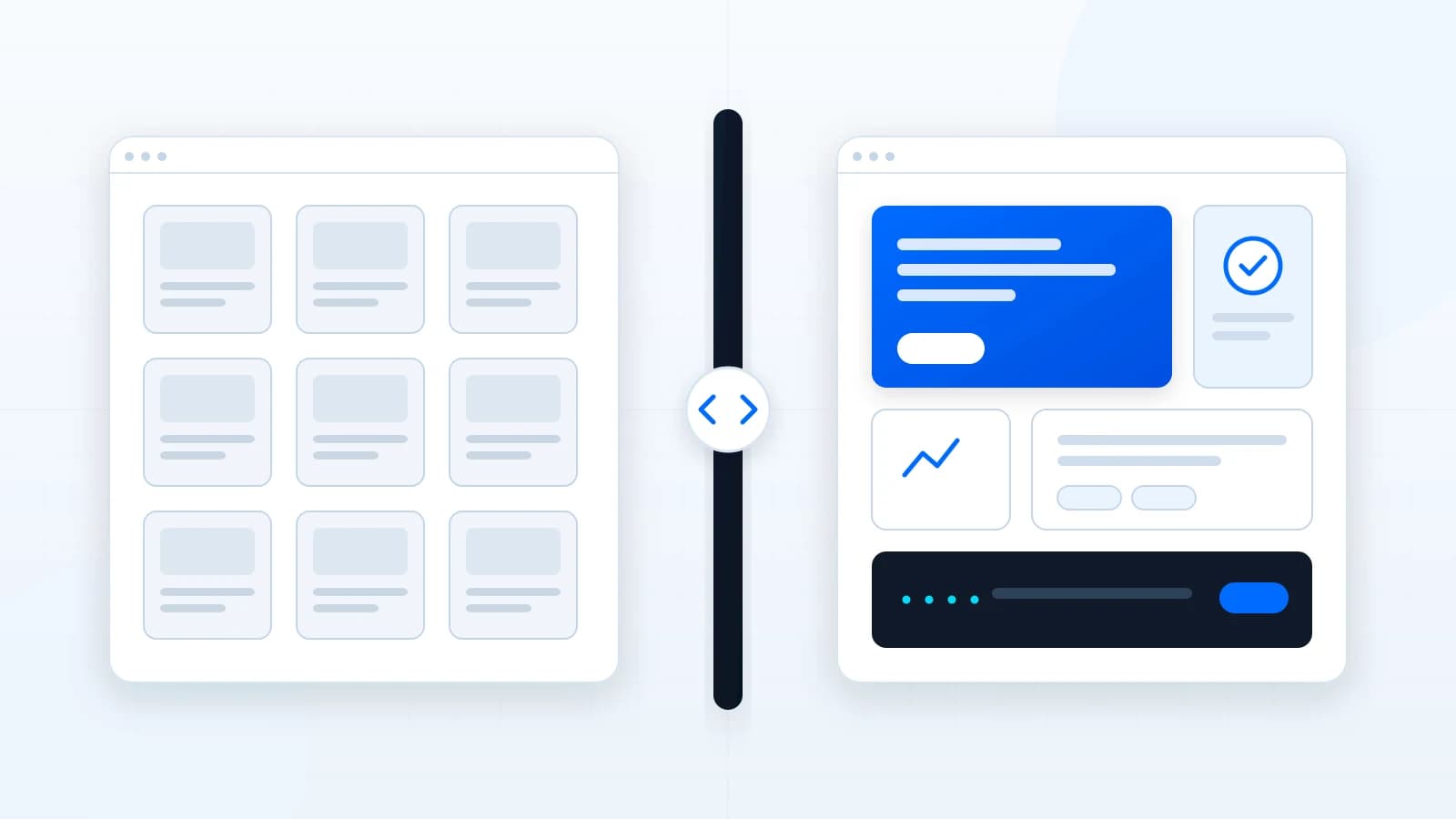
A template website can be a good choice when a business needs a fast, simple online presence and can fit comfortably into a prebuilt structure. A custom website is usually better when the business needs original positioning, service-specific pages, better conversion paths, flexible content, stronger performance control, or integrations with real workflows.
The decision should not be based only on appearance. A beautiful template can still fail if the pages do not answer customer questions, the calls to action are weak, or the business cannot maintain the site after launch.
When a template website can make sense
Templates are not automatically bad. They can reduce cost and speed up launch when the business has a small scope, limited content needs, and no unusual workflow. A simple event page, early-stage brand, temporary campaign, or very small brochure site may not need a fully custom design system.
- The business only needs a few basic pages.
- The offer is simple and easy to explain.
- The owner can accept the template's layout limitations.
- There are no complex forms, integrations, redirects, or portal needs.
- The website is a temporary stepping stone rather than a long-term digital foundation.
When a custom website is the better fit
A custom website is strongest when the site has to persuade, qualify, educate, and support operations. Service businesses often need pages that explain different offers, handle objections, show process, route inquiries, and support future SEO or maintenance work.
- The current site looks generic or no longer matches the quality of the business.
- Visitors need clearer service pages before they contact the company.
- The business depends on quote requests, consultations, bookings, applications, or qualified inquiries.
- The site needs custom forms, analytics, CRM routing, automation, or client portal expansion.
- The brand needs a more memorable first impression than a common template can provide.
Custom does not mean adding complexity for its own sake. It means designing the structure around the business instead of forcing the business into a layout built for everyone.
SEO and maintenance differences
Templates often include basic SEO fields, but that does not guarantee search-friendly architecture. Good SEO foundations include page intent, headings, internal links, metadata, clean URLs, performance, accessibility, useful content, and a maintenance process that keeps the site current.
A custom build can be planned around service pages, industry pages, article clusters, redirects, structured data, and long-term content growth. That matters when the website is expected to become a durable business asset rather than a static brochure.
| Decision area | Template | Custom |
|---|---|---|
| Launch speed | Usually faster | Depends on scope |
| Originality | Limited by the template | Designed around the brand |
| Conversion flow | Generic unless customized | Built around the customer journey |
| Integrations | May require plugins or workarounds | Planned around the workflow |
| Long-term flexibility | Depends on platform limits | Designed for future needs |
A practical decision framework
Choose a template when the website is simple, temporary, budget-sensitive, and not expected to carry complex lead generation or brand differentiation. Choose custom when the site affects sales quality, trust, search visibility, customer intake, internal operations, or the long-term perception of the company.
The right answer can also be phased. A business might start with a focused custom homepage and core service pages, then add automation, maintenance, articles, or private client tools when the need becomes clearer.
What to watch during a move away from a template
Many businesses do not start custom. They outgrow a template after the offer becomes more specific, the team needs better forms, or the site starts competing in search. Moving from a template to a custom build is normal, but it should be handled carefully so the business does not lose useful content, URLs, or customer pathways.
- Map the existing pages before changing the structure.
- Keep useful service content instead of deleting everything during the redesign.
- Redirect old URLs to the most relevant new pages.
- Review forms, tracking, and email delivery before launch.
- Check mobile layouts with real content, not only placeholder copy.
- Confirm the business can edit or request updates without depending on a fragile setup.
A redesign is also a good moment to remove template leftovers: duplicated headings, unused scripts, generic stock sections, vague calls to action, and service pages that say almost the same thing. The goal is not to make the site less simple. It is to make the simplicity more intentional.
This is where a custom build can pay for itself over time. The value is not only a more original look. It is cleaner editing, clearer page purpose, better measurement, fewer theme workarounds, and a structure that can support new services, articles, landing pages, or customer systems without fighting the original template.
Article FAQ
Can a template website be customized later?
Sometimes, but platform and theme limits may make deep customization harder than rebuilding cleanly.
Is custom always better?
No. Custom work makes sense when the business needs strategy, differentiation, flexibility, or workflow support that a template cannot provide efficiently.
Does a custom website help SEO?
It can provide a stronger technical and content foundation, but rankings are never guaranteed and depend on many factors beyond the build.
Related services, industries, and examples
Continue with the commercial pages that connect this article to actual website, automation, portal, and maintenance decisions.

Written by
About the author
Yhorman Ibarra
Founder & Lead Developer
Yhorman Ibarra is the Founder & Lead Developer of studiogecko.dev, a digital product studio specializing in conversion-focused websites, custom SaaS platforms, CRM systems, and business automation. With more than 10 years of experience, over 100 websites built, and seven SaaS tools developed across multiple industries, he focuses on creating digital products that help businesses grow, not just look good.
Next step
Not sure whether your site needs a template refresh or a custom rebuild?
A free website audit can help separate visual issues from structural, SEO, mobile, and lead-generation problems.
Request a Free Website AuditRelated articles
All articles
Website Strategy
custom website cost
How Much Does a Custom Business Website Cost?
Custom website pricing depends on strategy, page count, content, design depth, integrations, forms, SEO structure, and long-term support. This guide explains the cost drivers without fake price promises.
Lead Generation
lead generation website
What Makes a Website Generate Qualified Leads?
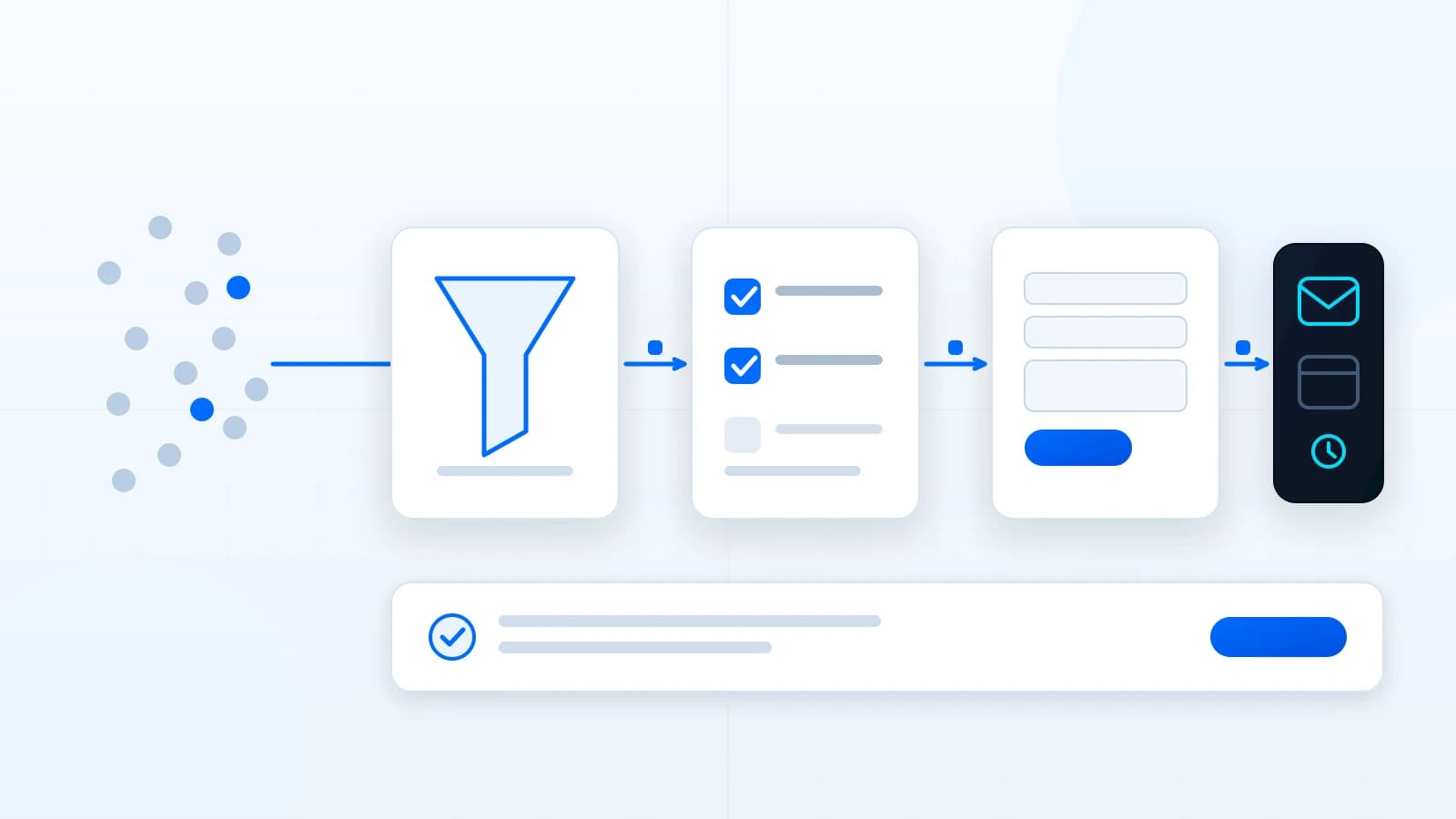
A lead-generation website is not just a contact form. It explains the offer, filters the wrong fit, builds trust, asks useful questions, and routes inquiries into a follow-up process.
Website Strategy
website redesign checklist
Website Redesign Checklist Before You Rebuild
A redesign should begin with evidence, not a new color palette. Use this checklist to decide what to preserve, improve, migrate, replace, and verify before launch.