
Practical business automation
Business automation that removes repeated work without losing control.
studiogecko.dev maps and builds reliable workflows for leads, confirmations, reminders, notifications, requests, and internal handoffs, adding AI only where it solves a defined task responsibly.
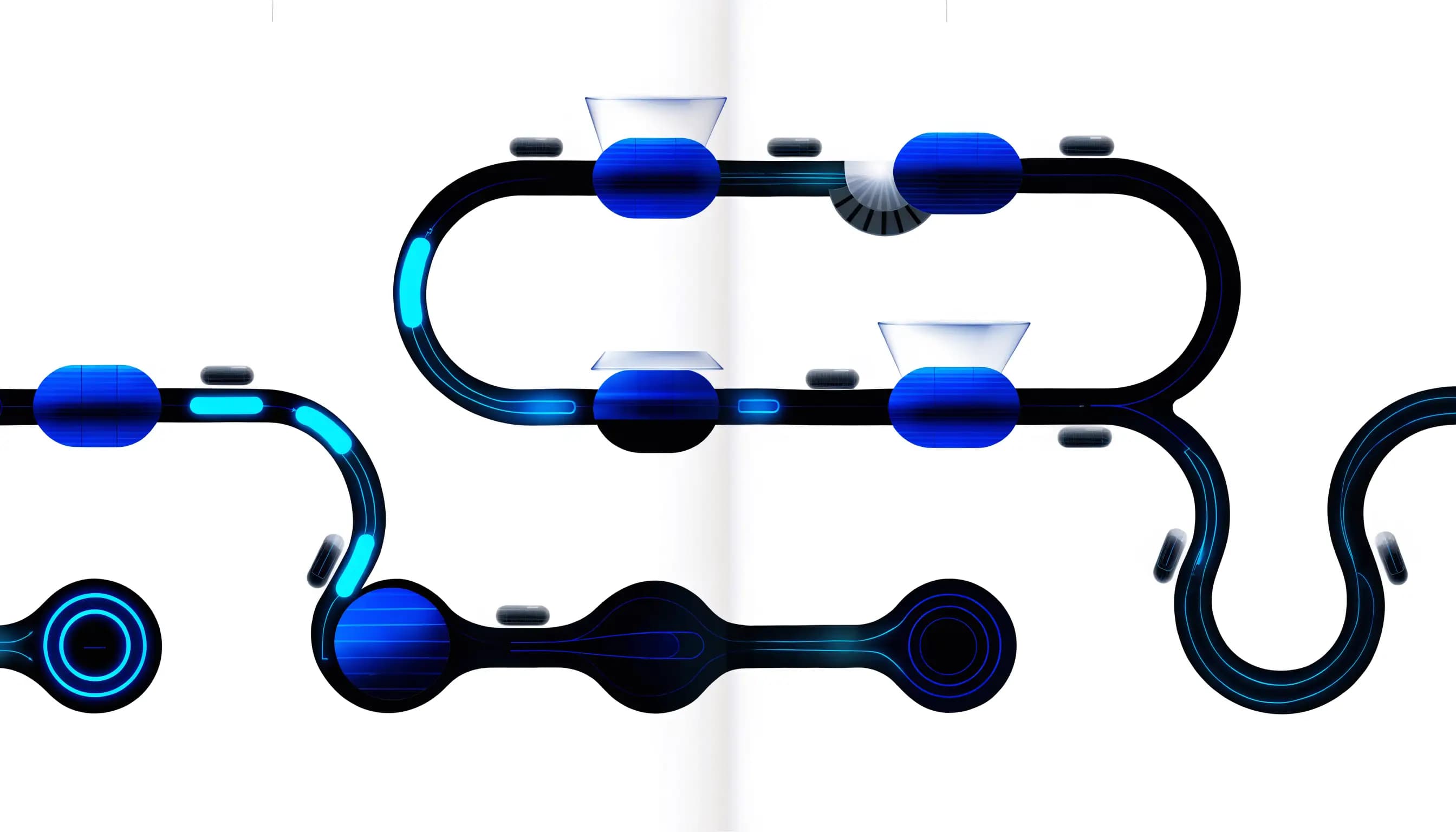
Triggers and handoffs move routine work while preserving deliberate review points.
Service overview
What automation should do for the business.
Business automation connects a clear trigger to a useful action: a valid form creates a lead, a service choice routes it to the correct owner, a confirmation sets expectations, and a reminder appears when follow-up is due. The value comes from consistency and visibility, not from making every task autonomous.
Before choosing tools, we document the current process, failure points, data involved, exceptions, and the person responsible when automation cannot continue. That creates workflows that save attention without hiding decisions inside fragile integrations.
Problems solved
New leads or client requests are easy to miss during busy periods.
The same data is copied manually between disconnected tools.
Customers receive inconsistent confirmations or follow-up expectations.
Staff cannot tell whether a workflow completed, failed, or needs attention.
AI ideas are being considered before permissions, data quality, and human review are defined.
What is included
Current-state workflow and failure-point map
Trigger, condition, action, owner, and exception definitions
Lead routing, confirmations, reminders, or request workflows
Server-side API or webhook integration when supported
Structured status, activity, and retry behavior
Human approval steps for high-impact or AI-assisted actions
Privacy, permission, validation, and error-handling controls
Documentation, testing scenarios, and an ongoing support plan
Expected outcomes
Fewer repeated administrative steps and missed follow-up tasks.
Clearer ownership when a lead, request, or workflow changes status.
More consistent confirmations and internal notifications.
Visible failure and retry paths instead of silent integration errors.
A controlled foundation for future AI-assisted work.
Process
A cleaner path from idea to launch.
Step 1
Observe the real process
We document what happens now, who owns each decision, which systems hold the data, where delays occur, and how exceptions are handled. A workflow is not ready to automate if nobody can explain the successful manual version.
Step 2
Choose the smallest useful automation
The first version targets a repeated, measurable source of friction. We avoid broad autonomous behavior and define a clear trigger, required data, action, owner, and fallback.
Step 3
Design permissions and failure states
Authentication, service credentials, validation, rate limits, idempotency, retries, logging, and human review are planned according to the risk of the action. A failed workflow must be visible and recoverable.
Step 4
Connect and test the workflow
Integrations are implemented using supported server-side APIs or webhooks. Testing covers duplicates, missing data, provider failures, timeouts, unauthorized requests, and the expected successful path.
Step 5
Release, monitor, and refine
The workflow launches with documentation and a responsible owner. Real exceptions inform the next improvement; additional automation is added only when the current system is stable and useful.
How we think about the work
Decisions that keep the service useful after launch.
Reliability before novelty
A simple reminder or routing rule can create more value than an impressive AI demo if it solves a frequent problem consistently. The goal is less operational friction, not the maximum number of automated steps.
Human review belongs in the design
High-impact messages, financial actions, sensitive data changes, and ambiguous AI outputs may require approval. The workflow should make review fast and explicit rather than pretending every decision is safe to automate.
Failures must have an owner
Providers time out, tokens expire, data arrives incomplete, and duplicates happen. Good automation records enough operational context to identify the failed step without exposing private customer information in analytics or public logs.
Technology with a job
Tools chosen for maintainability, security, and the workflow.
The stack is selected around the project rather than used as a sales checklist. These are technologies already present in the studiogecko.dev platform and the practical customer benefit each can provide.
Next.js server routes
Handle protected API calls, webhooks, validation, and workflow actions without exposing service credentials to the browser.
TypeScript and Zod
Make workflow inputs, provider responses, and validation rules explicit before an action runs.
Supabase and PostgreSQL
Store structured records, statuses, ownership, and activity history with authenticated access controls.
Resend
Can deliver confirmations and internal notifications from server-side workflows with clear templates and provider feedback.
Stripe
Supports server-side checkout and webhook-driven payment status when a project requires financial workflow integration.
OpenAI API when appropriate
Can assist with bounded tasks such as classification or drafting when data handling, review, and fallback behavior are explicitly designed.
An informed comparison
Business automation or manual workflow?
Manual work is not automatically bad. Some tasks need judgment, happen rarely, or change too often to justify automation. Repeated rules-based work is a better candidate.
Manual workflow
A person completes each step and can adapt to unusual context. This is appropriate for low volume, sensitive judgment, evolving processes, or tasks where the cost of a wrong automated action is high.
Automated workflow
A defined trigger performs repeatable actions, records status, and notifies the right owner. It is useful when the inputs and decisions are stable enough to test and exceptions have a clear fallback.
Automate the stable path and keep people responsible for exceptions. If the process cannot be described, measured, and completed reliably by a person, adding integrations or AI usually hides the problem instead of solving it.
Industry applications
The same service solves different operational problems.
Contractors and home services
Route estimate requests by service area, confirm receipt, create follow-up tasks, and notify the correct owner without copying form details manually.
Automotive businesses
Separate vehicle, finance, trade-in, and service inquiries; assign ownership; and create consistent reminders across departments.
Professional services
Organize consultation requests, document intake reminders, non-sensitive status updates, and internal handoffs while preserving human review.
Law firms
Categorize consultation interest, notify the right reviewer, create staff tasks, and preserve human decisions around fit, conflicts, and engagement.
Healthcare practices
Route approved general inquiries by service or location, confirm receipt, and notify staff without turning ordinary automation into a clinical system.
Restaurants and hospitality
Route catering, event, reservation, and general inquiries into different operational paths with appropriate confirmations.
Startups and SaaS teams
Support onboarding tasks, account notifications, lifecycle messages, usage-based workflows, and internal operational alerts.
Related concept work
See the system in context.
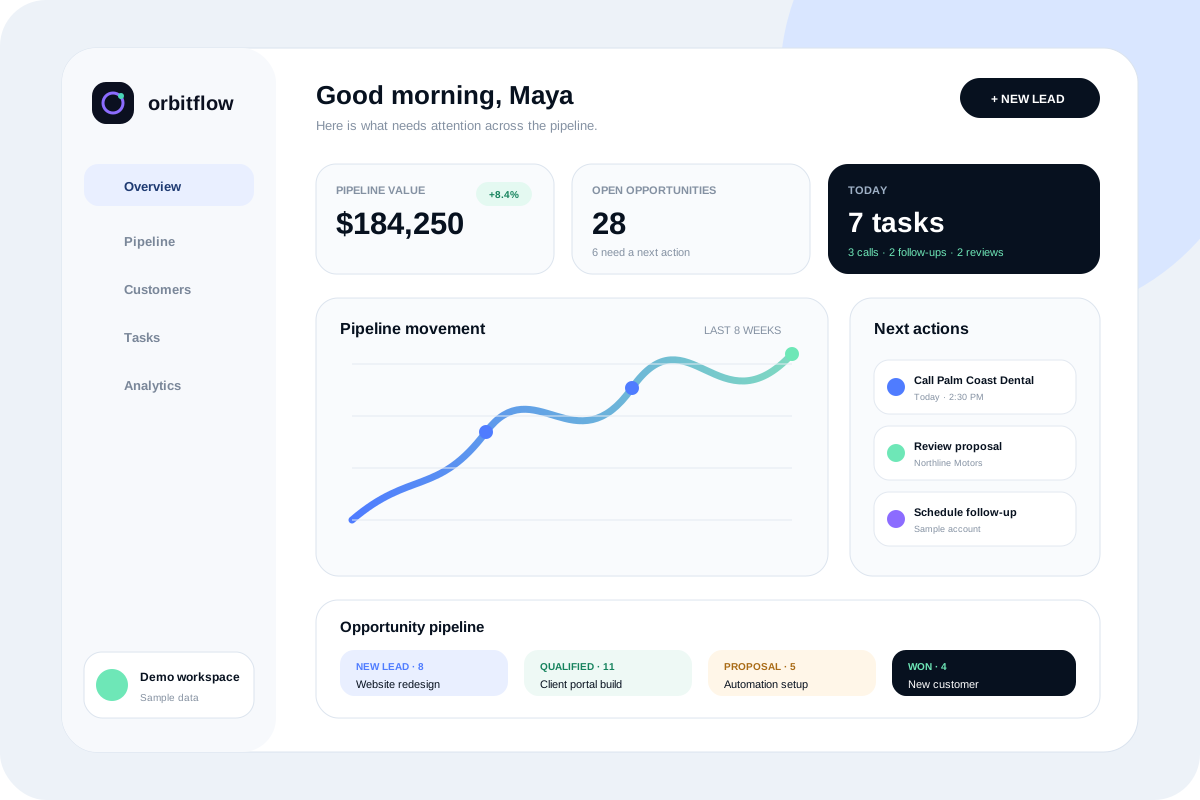
Fictional brand
OrbitFlow
A crisp product site and responsive CRM dashboard concept that makes pipeline health, team tasks, reminders, and customer activity easy to understand.

Fictional brand
Northline Motors
A premium dealership concept centered on fast inventory discovery, clear vehicle details, financing pathways, trade-in interest, and mobile lead capture.
Questions before you start?
What is business automation?
Business automation uses defined triggers, rules, integrations, and actions to complete repeated operational steps. Examples include routing a valid lead, sending a confirmation, creating a reminder, or updating a status.
How much does automation cost?
Cost depends on the number of systems, workflow branches, authentication methods, APIs, data sensitivity, failure handling, and ongoing monitoring. A single notification workflow is smaller than a multi-provider operational system.
How long does an automation project take?
Timing depends on how clearly the current process is defined and whether providers expose reliable integration methods. Discovery, test data, credentials, exception handling, and owner review are part of the schedule.
Do I need AI for business automation?
No. Many valuable automations use straightforward validation, routing, reminders, confirmations, and status updates. AI is useful only when a bounded task benefits from probabilistic assistance and has appropriate review.
What can be automated from a website?
Common examples include lead routing, confirmations, internal notifications, follow-up tasks, request creation, payment-status updates, and activity records. The exact workflow depends on the website and operational systems.
Can you connect my current tools?
Possibly. The tools need a supported API, webhook, export, or integration path and terms that allow the intended use. We assess reliability and ownership before recommending a connection.
How are automation failures handled?
The workflow can record status, provider feedback, retry eligibility, and an owner for manual resolution. Public errors remain generic, while operational logs avoid unnecessary personal information.
Can an automation send customer emails?
Yes, when the message is expected, useful, and within the agreed communication purpose. Confirmations and reminders should identify themselves clearly and avoid unsupported promises.
Is customer data sent to AI providers?
Not by default. Any AI-assisted workflow requires a deliberate data review, minimal necessary inputs, provider configuration, permission boundaries, and a clear reason for processing the information.
Can automation replace a CRM?
Automation can route and update records, but it does not automatically replace the relationship, reporting, permissions, and process structure of a CRM. Sometimes a simpler database-backed workflow is enough; sometimes a CRM integration is appropriate.
Who maintains the automation?
Ownership and support are defined in the project agreement. Integrations need credential rotation, provider-change review, monitoring, and updates when the underlying business process changes.
What happens after launch?
We verify real workflow runs, monitor exceptions, document manual fallbacks, and refine rules based on actual operations. Additional automation is added gradually so complexity does not outpace reliability.
A practical next step
Discuss whether automation is the right fit.
Start with a free website audit or send the project context directly. You will receive a practical response without an automatic client relationship or unsupported outcome promises.