
Business Automation
What Is Business Automation and What Should You Automate First?
Business automation connects repeated steps so work moves with less manual effort. The best first automations are simple, valuable, and easy to verify.
The short answer
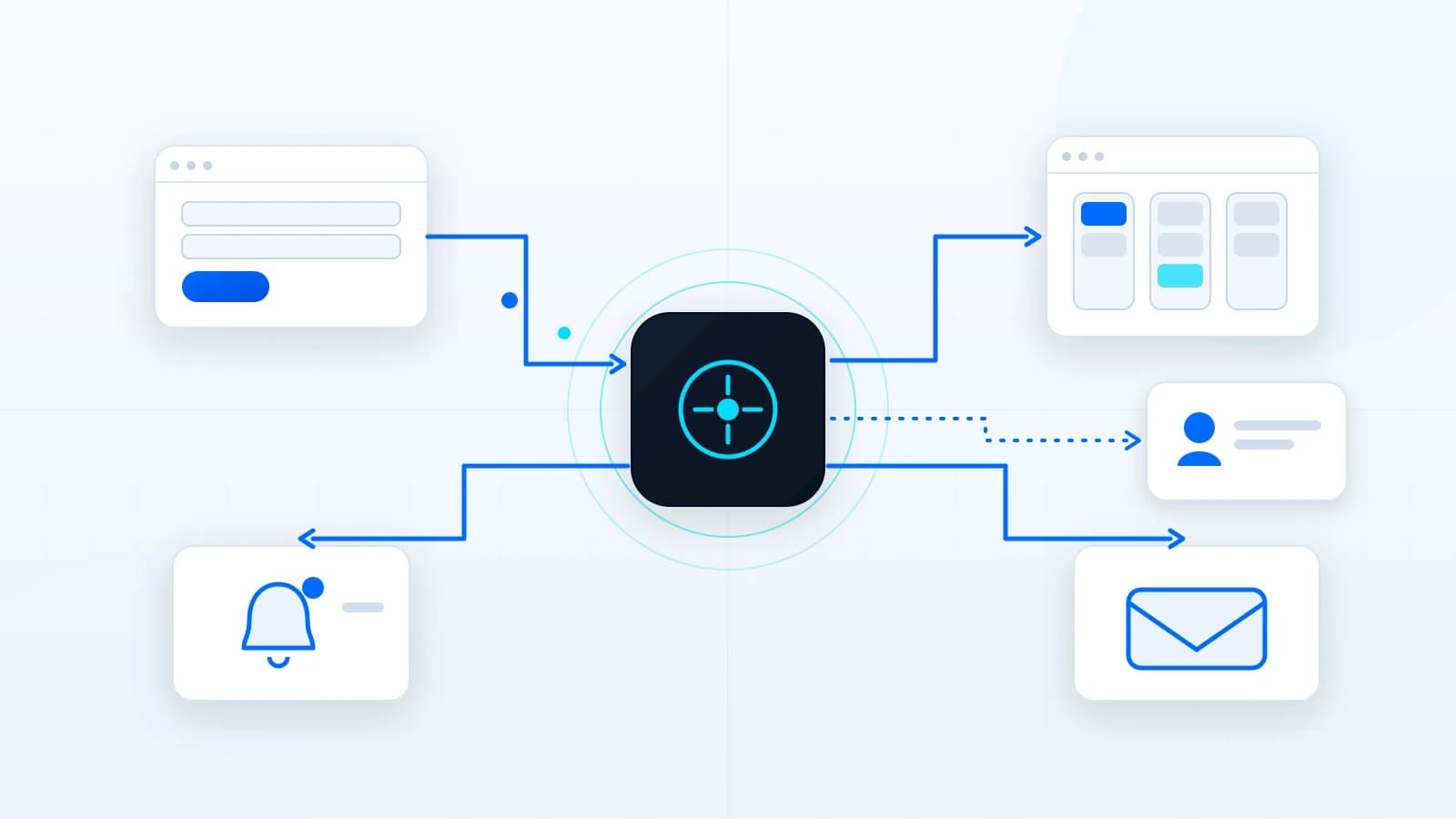
Business automation uses rules, software, integrations, and notifications to move repeated work from one step to the next with less manual effort. It can route leads, send confirmations, create reminders, update records, notify teams, organize files, or trigger follow-up tasks.
The best first automation is not the most advanced one. It is the repeated workflow that wastes time, causes missed follow-up, creates inconsistent customer communication, or forces someone to copy the same information between tools every week.
Good first workflows to automate
- Lead routing: send different inquiries to the right inbox, team member, or CRM category.
- Confirmation emails: let the visitor know the request was received without promising a fixed response time unless the business can support it.
- Follow-up reminders: create tasks when an inquiry needs a call, quote, approval, or review.
- Status updates: move a request from new to reviewed to waiting to complete.
- Internal notifications: alert the right person when a form, approval, payment, or document requires attention.
- Maintenance reminders: track recurring website updates, backups, content checks, or analytics reviews.
These workflows are useful because they are easy to observe. The business can tell whether the automation fired, whether the right person was notified, and whether the customer experience became cleaner.
Rules-based automation vs AI automation
Rules-based automation follows predictable logic: if this form is submitted, notify this person; if this field says financing, label the lead; if a task is overdue, send a reminder. It is often the safest starting point because it is easier to test and explain.
AI-assisted automation can help summarize information, draft responses, categorize requests, or suggest next steps. It should be used carefully, especially when personal information, customer communication, or business decisions are involved. Human review and clear boundaries matter.
Where automation projects go wrong
- Automating a broken process before clarifying the steps.
- Connecting too many tools at once without a clear owner.
- Sending messages that sound final when the business still needs human review.
- Failing to log errors or provide a manual fallback.
- Collecting more personal information than the workflow actually needs.
- Forgetting that someone must maintain the automation after launch.
A good automation project documents the workflow, defines the trigger, limits the data collected, tests failure states, and makes ownership clear. That is more valuable than a flashy workflow diagram nobody uses.
How to choose what to automate first
Look for work that is frequent, repetitive, easy to define, and costly when missed. If a task happens once a year, automation may not be worth it. If it happens every day and affects leads, clients, invoices, scheduling, or support, it deserves attention.
| Question | Why it matters |
|---|---|
| Does this happen often? | Frequency affects value. |
| Can the steps be written clearly? | Unclear workflows are hard to automate safely. |
| What happens if it fails? | High-risk workflows need stronger review and fallback. |
| Who owns it after launch? | Automation still needs maintenance. |
| Does it improve customer experience? | The best automations help both staff and customers. |
How to keep automation manageable after launch
Automation becomes risky when nobody can explain what it does. Each workflow should have a simple record of its trigger, inputs, outputs, owner, failure state, and manual fallback. That documentation does not need to be a large manual, but it should be clear enough that the business can troubleshoot a missed notification or update a routing rule later.
- Name each workflow in plain language.
- Document what starts the workflow and what should happen next.
- Avoid storing more personal information than the workflow needs.
- Send important notifications to monitored channels rather than forgotten inboxes.
- Test the happy path and the failure path before relying on it.
- Review automations when services, staff roles, forms, or tools change.
The first version should also leave room for improvement. A business may start with lead routing and reminders, then later add client portal tasks, CRM status changes, reporting, or AI-assisted summaries. Good automation is easier to extend because the original workflow was understandable.
This is especially important for smaller teams because automation often starts as a substitute for memory. The system should not depend on one person remembering which form sends which message or where a failed task appears. Clear ownership, visible status, and simple logs make automation safer and easier to trust.
Article FAQ
Can automation connect to a CRM?
Often, yes, depending on the CRM and available integration options. The workflow should be planned around the actual provider.
Is AI required for business automation?
No. Many useful automations are rules-based and do not need AI.
Should every manual task be automated?
No. Some tasks need judgment, relationship context, or human review. Automate repeated structure, not every decision.
Related services, industries, and examples
Continue with the commercial pages that connect this article to actual website, automation, portal, and maintenance decisions.

Written by
About the author
Yhorman Ibarra
Founder & Lead Developer
Yhorman Ibarra is the Founder & Lead Developer of studiogecko.dev, a digital product studio specializing in conversion-focused websites, custom SaaS platforms, CRM systems, and business automation. With more than 10 years of experience, over 100 websites built, and seven SaaS tools developed across multiple industries, he focuses on creating digital products that help businesses grow, not just look good.
Next step
Have a workflow that depends on memory?
Send the workflow context and discuss whether a practical automation or portal would reduce repeated manual work.
Discuss an Automation ProjectRelated articles
All articles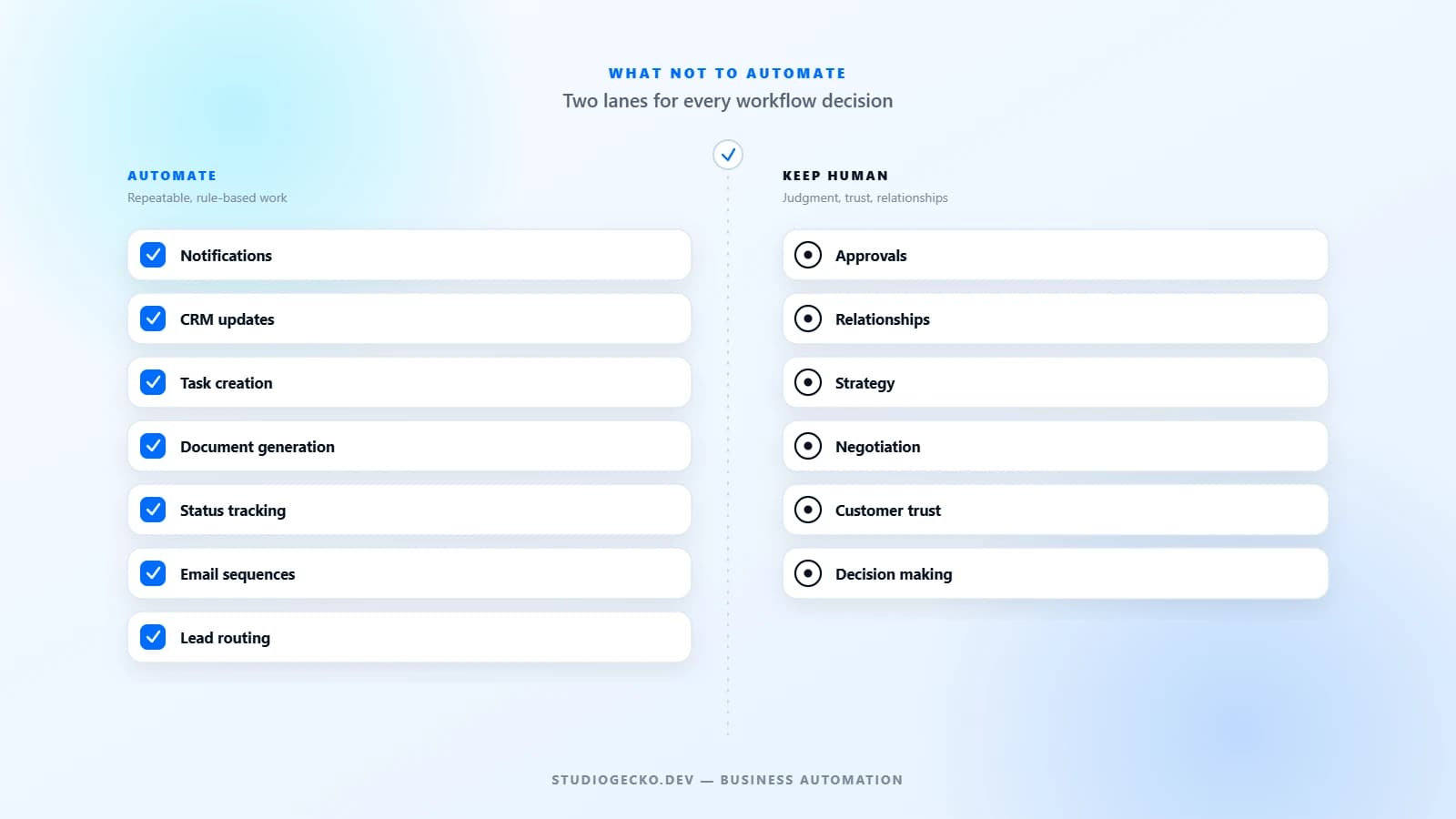
Business Automation
what not to automate in your business
What Not To Automate In Your Business
Automation is powerful, but bad automation is expensive. The goal is not to automate everything. It is to automate the right work and keep the right work human.
Lead Generation
lead generation website
What Makes a Website Generate Qualified Leads?
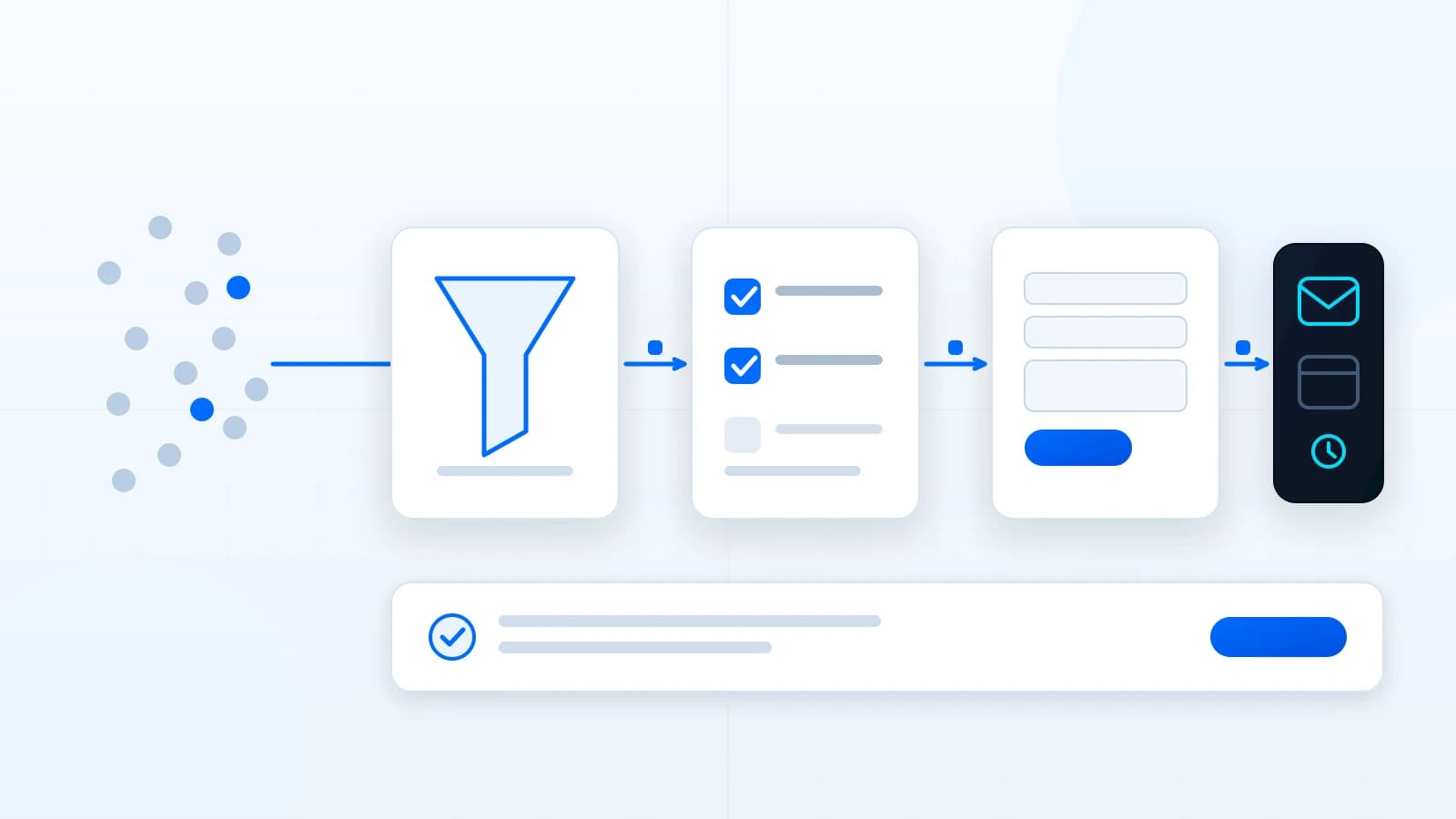
A lead-generation website is not just a contact form. It explains the offer, filters the wrong fit, builds trust, asks useful questions, and routes inquiries into a follow-up process.
Client Portals
client portal development
What Is a Client Portal and When Does a Business Need One?
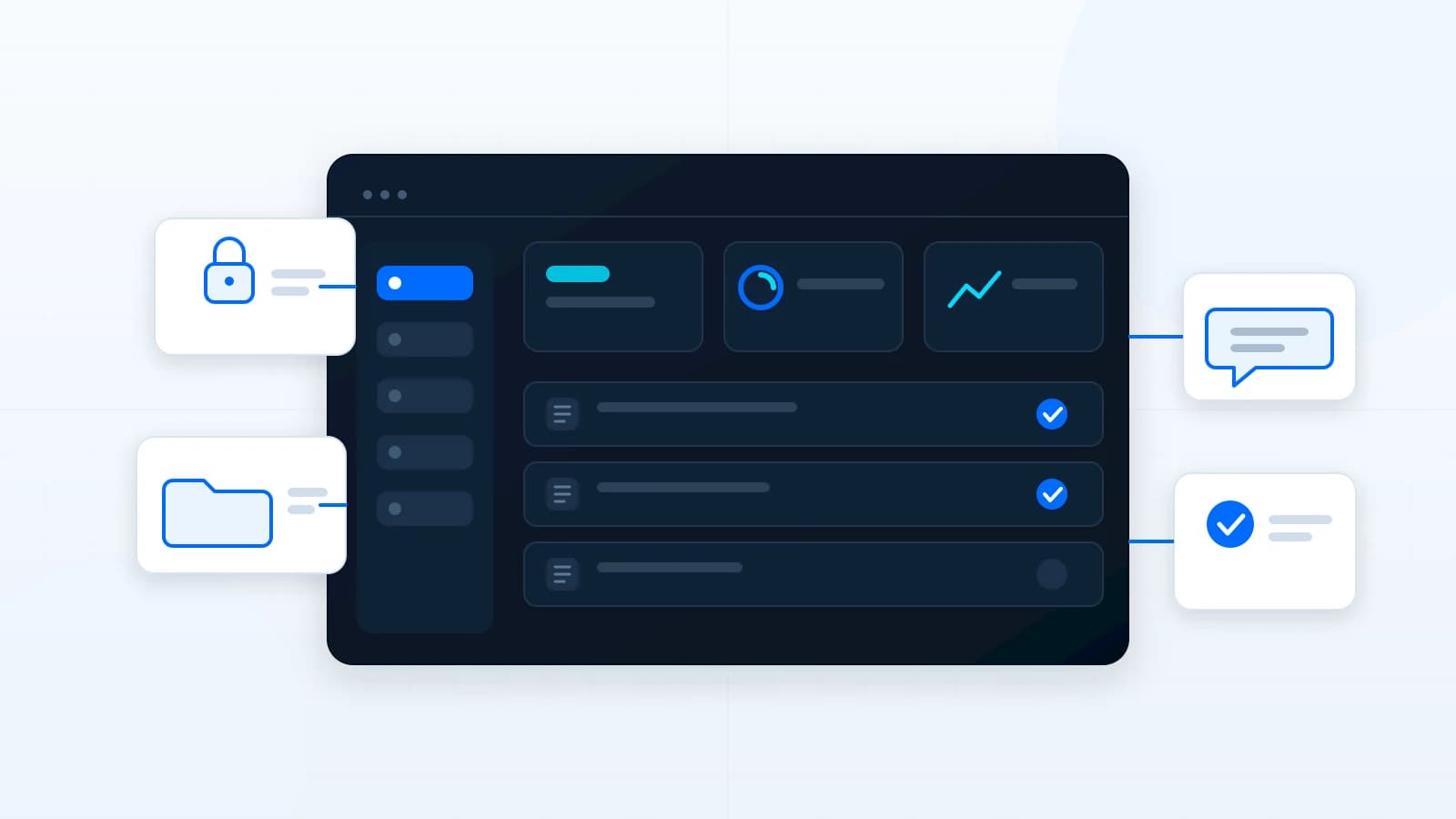
A client portal gives clients one organized place for requests, files, approvals, updates, invoices, and communication. It becomes useful when email and shared folders stop scaling.