
Client Portals
What Is a Client Portal and When Does a Business Need One?
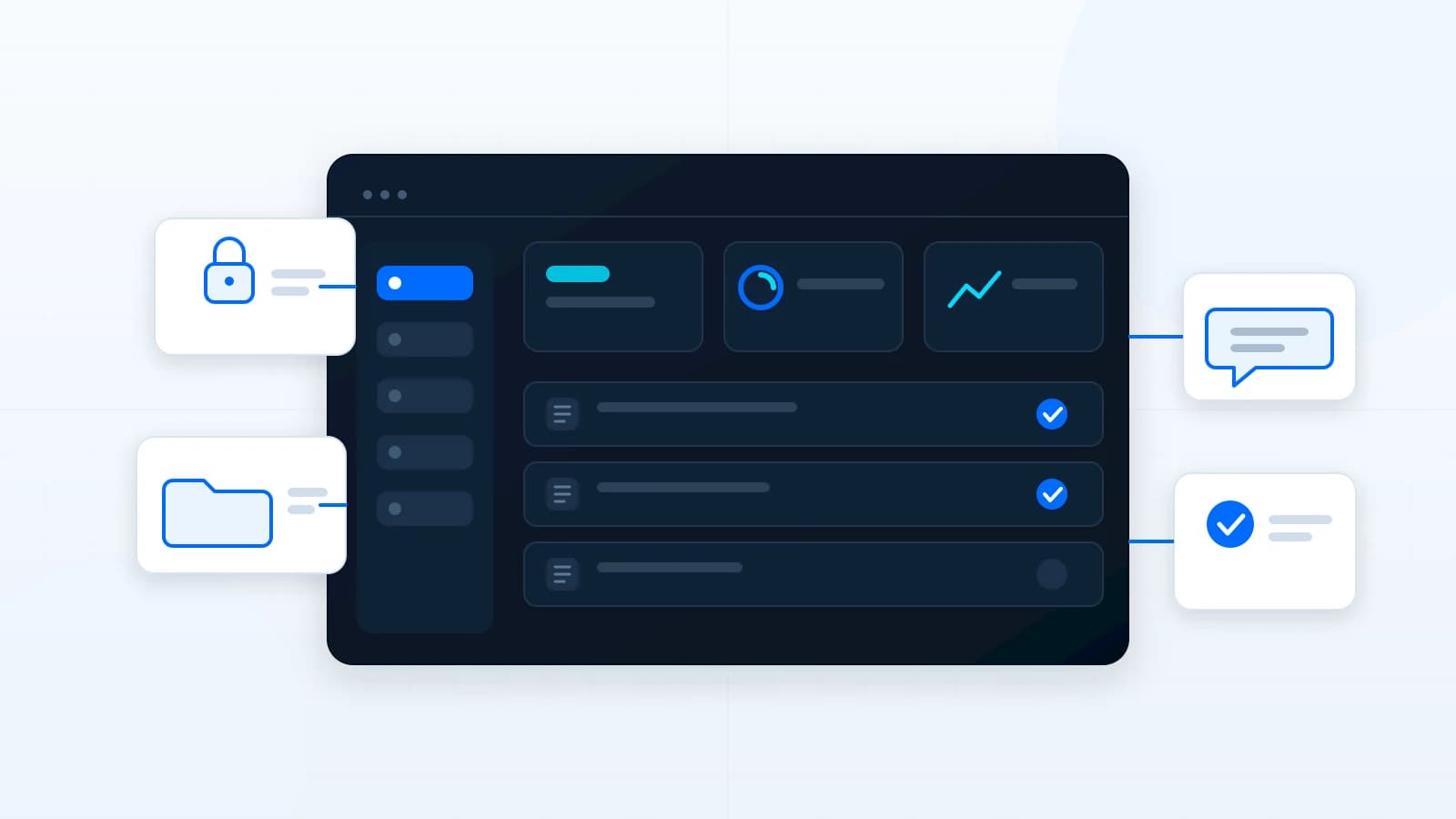
A client portal gives clients one organized place for requests, files, approvals, updates, invoices, and communication. It becomes useful when email and shared folders stop scaling.
The short answer
A client portal is a private web experience where clients can access the information, files, requests, approvals, updates, invoices, or communication that belong to their relationship with a business. It is not just a login screen. It is an organized workflow.
A business usually needs a client portal when email threads, shared folders, spreadsheets, and disconnected tools make the client experience harder to manage. The portal gives both sides one place to see what is active, what is waiting, and what needs attention.
Signs a business may need a client portal
- Clients ask for status updates that already exist somewhere internally.
- Files are spread across email, drives, messages, and local folders.
- Approvals are hard to track or easy to miss.
- Different staff members give clients different versions of the same information.
- The business repeats the same onboarding, request, or document process for every client.
- Clients need private access, but full admin access would be inappropriate.
The strongest portal opportunities usually appear when a business already has a repeatable client workflow but lacks one clear interface for it.
Features a secure client portal may include
- Authentication and role-based access.
- Client dashboard with relevant status and next steps.
- Request forms for support, content, approvals, or project changes.
- File and media areas with clear naming and permissions.
- Approval workflows for documents, pages, designs, or milestones.
- Notifications and reminders for pending actions.
- Activity history so decisions are easier to trace.
- Admin tools for managing clients, users, content, and visibility.
How to approach a portal project
Start with the workflow before the dashboard. Identify the users, permissions, client actions, internal actions, stored records, notifications, and lifecycle states. A clean portal is usually the result of clear operational thinking.
A first version may only need requests, files, status, and messages. Later versions can add approvals, invoices, analytics, integrations, automations, or client-specific dashboards. The goal is to build the smallest useful portal that can grow without becoming messy.
What to define before building a client portal
Before design begins, the business should decide what clients need to see, what staff need to manage, and which information should remain internal. A portal can become confusing if every internal detail is exposed to clients. The best portals give clients confidence and control without turning the private operating system inside out.
- Which client actions should happen inside the portal?
- Which staff roles can view, edit, approve, or archive information?
- What files or messages need expiration, permissions, or audit history?
- What notifications should be sent, and which should remain inside the portal?
- Which data should be searchable or filterable?
- What should happen when a client relationship ends?
Planning these details early helps avoid a common portal problem: a beautiful interface with unclear permissions. For professional-service firms, agencies, consultants, and project-based businesses, permission clarity is often just as important as the dashboard design.
A portal should also match how clients actually behave. Some clients will check a dashboard often. Others only need a clean link when an approval, upload, or invoice is waiting. The portal should reduce confusion in both cases by making the current state obvious and keeping the next action close to the related file, message, or task.
Article FAQ
Does a client portal need a mobile app?
Not always. A responsive web portal can be enough when clients mainly need access to files, requests, approvals, and updates.
Can a portal connect to existing tools?
Often, yes. Integration depends on the provider, API access, security needs, and workflow complexity.
Can clients upload files?
Yes, when the portal includes secure upload handling, size limits, validation, and storage rules.
Related services, industries, and examples
Continue with the commercial pages that connect this article to actual website, automation, portal, and maintenance decisions.

Written by
About the author
Yhorman Ibarra
Founder & Lead Developer
Yhorman Ibarra is the Founder & Lead Developer of studiogecko.dev, a digital product studio specializing in conversion-focused websites, custom SaaS platforms, CRM systems, and business automation. With more than 10 years of experience, over 100 websites built, and seven SaaS tools developed across multiple industries, he focuses on creating digital products that help businesses grow, not just look good.
Next step
Need one calmer place for clients?
Discuss a custom client portal or workflow system built around the way your business handles requests, approvals, files, and communication.
Discuss a Client PortalRelated articles
All articles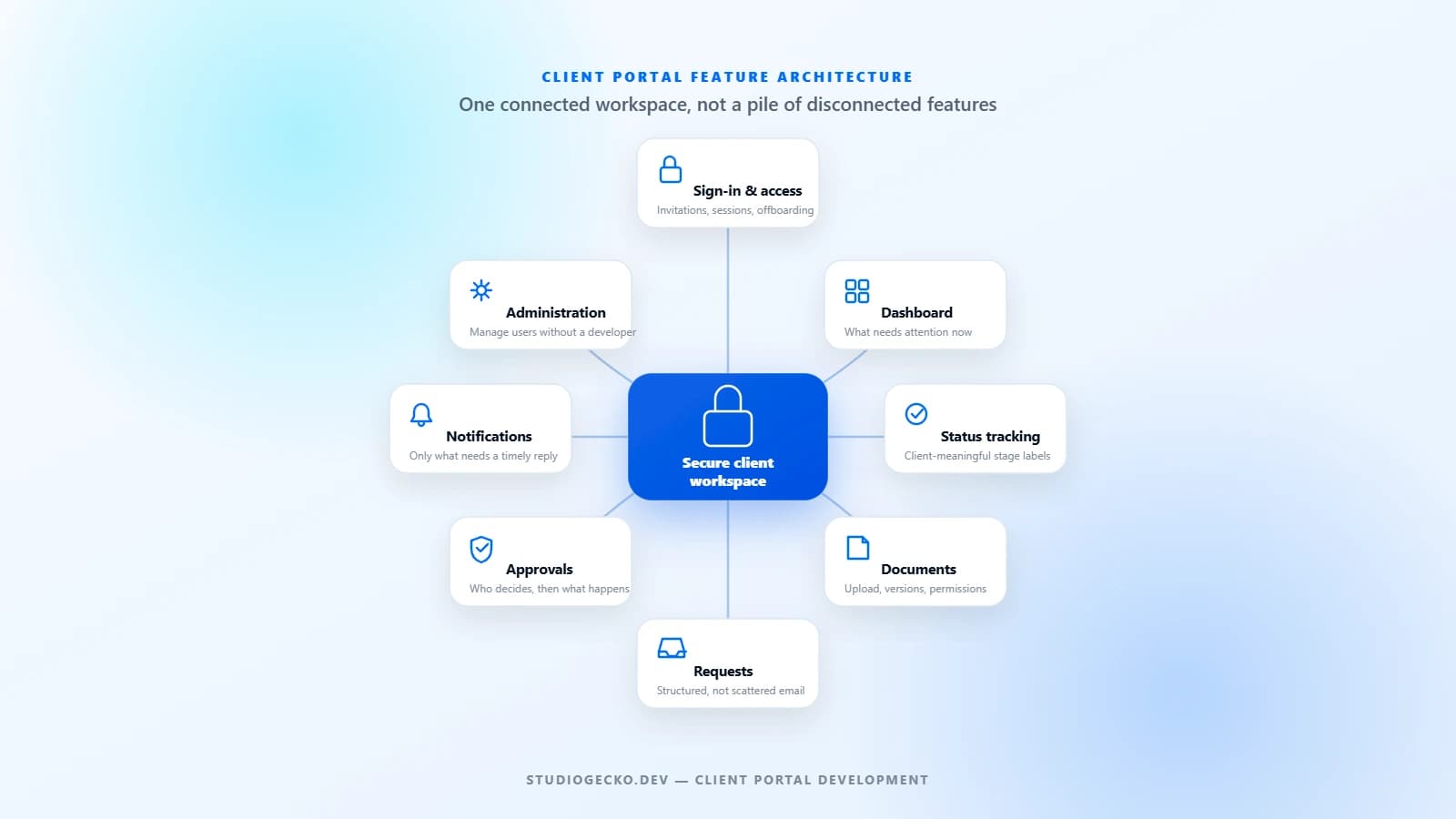
Client Portals
client portal features checklist
Client Portal Features Checklist: What Should Your Portal Actually Include?
A useful client portal is not a collection of impressive features. It is a controlled workspace built around the real tasks clients and internal teams need to complete together.
Business Automation
business automation for small businesses
What Is Business Automation and What Should You Automate First?
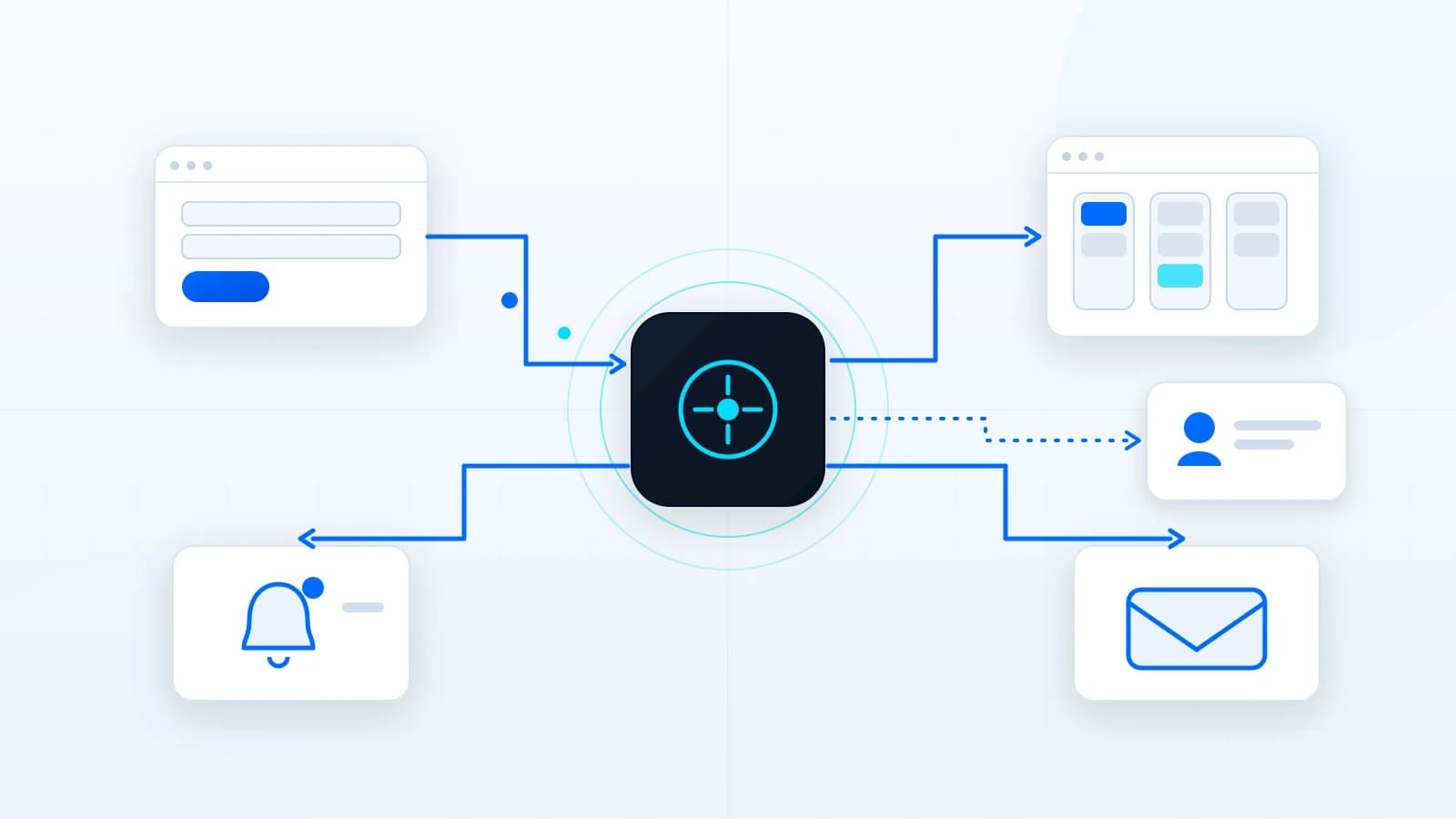
Business automation connects repeated steps so work moves with less manual effort. The best first automations are simple, valuable, and easy to verify.
Website Strategy
custom website cost
How Much Does a Custom Business Website Cost?
Custom website pricing depends on strategy, page count, content, design depth, integrations, forms, SEO structure, and long-term support. This guide explains the cost drivers without fake price promises.